dCS Bartók DAC User Manual Software Issue 1.0x
February 2019
Bartok DAC Manual v1_0x Page 32 English version
Display – DAC Mode
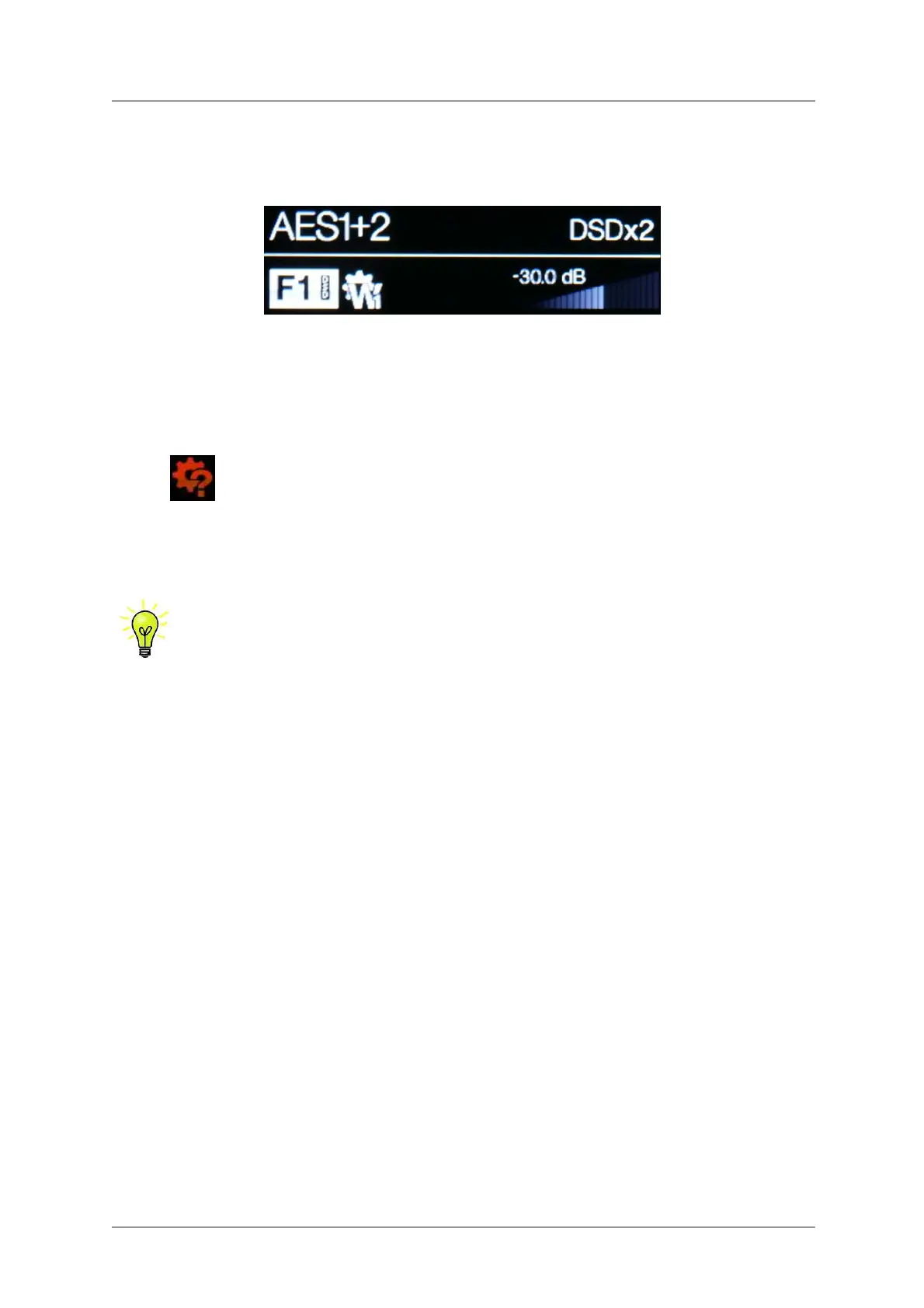
With one of the digital inputs selected or if the Network input is selected but is not active, the display is
again split into 4 areas:
-----------1------------ -------2--------
---------3--------- --------------4--------------
Area 1: The selected input.
Area 2: The data rate - word length / sample rate for PCM or DSD or DSDx2.
Area 3: The status icons are displayed here, these are the same as for the Network input except for:
Wrong clock detected
Area 4: The Volume control taper and the current Volume setting in numbers.
Details of the menu displays are shown in the Menu section on page
X38X.
All LCD displays suffer from staining if they are left for long periods displaying the same
image. To avoid unnecessary display wear, we recommend switching off or setting the
unit to Sleep mode at the end of the listening session.
Remote Control Receiver
If you are using an IR remote control, aim the handset towards the receiver (B) for best sensitivity.



 To Next Page