dCS Bartók DAC User Manual Software Issue 1.0x
February 2019
Bartok DAC Manual v1_0x Page 34 English version
Input button
Press the Input button (F) repeatedly to cycle through the available digital inputs.
Inputs which are not connected to an active source do not appear in the list and so
cannot be selected by the Input button.
The source sample rate is automatically detected. The full sequence is:
…, NETWORK, AES1, AES2, AES1+2, SPDIF1 (RCA),
SPDIF2 (BNC), SPDIF3 (Toslink), USB1, …
AES1+2 is not available if the Unit Settings > Dual AES menu page is set to OFF.
When the menu or browser is open, the Input button changes to the ► button, used to page forwards
through the menu or down the track list.
Mute Button
Use the Mute button (H) to mute and un-mute the line or headphone outputs. When the unit is muted,
MUTE appears on the display.
When the browser is open, the Mute button navigates up to the previous folder (if one exists).
Rotary Control
The Rotary Control (K) usually controls the Volume setting. The Volume setting changes in 0.5dB
steps between 0dB (full volume) and -50dB, in 1dB steps down to -80dB and then mutes below -80dB.
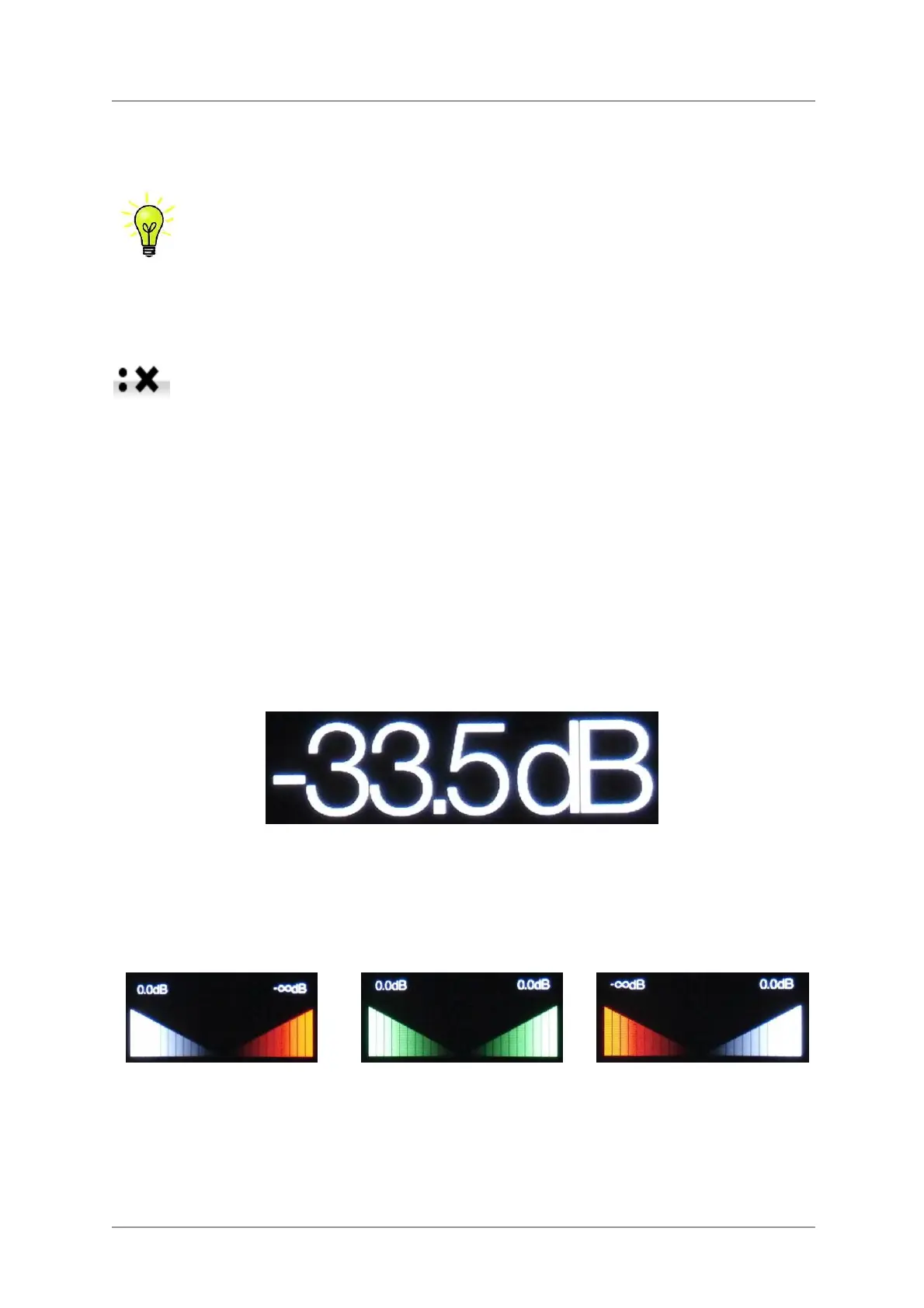
When the volume is changed, the volume setting is displayed in large text for a few seconds.
The DAC stores separate volume settings for Line Output mode and Headphone Mode.
When the Balance menu page is open or the remote Balance button has been pressed, the rotary
control adjusts the channel Balance instead. The Balance adjustment is in 0.1dB steps down to
-6.0dB on each channel, then mute (-
∞) below that. The Volume taper on the display changes to
show the Balance setting.
Balance left
Balance central
Balance right
While the menu is open, the Rotary Control pages forward and backwards through the menu instead
of changing the volume.



 To Next Page