G3
™
User’s & Installation Manual
7/October/2020
28
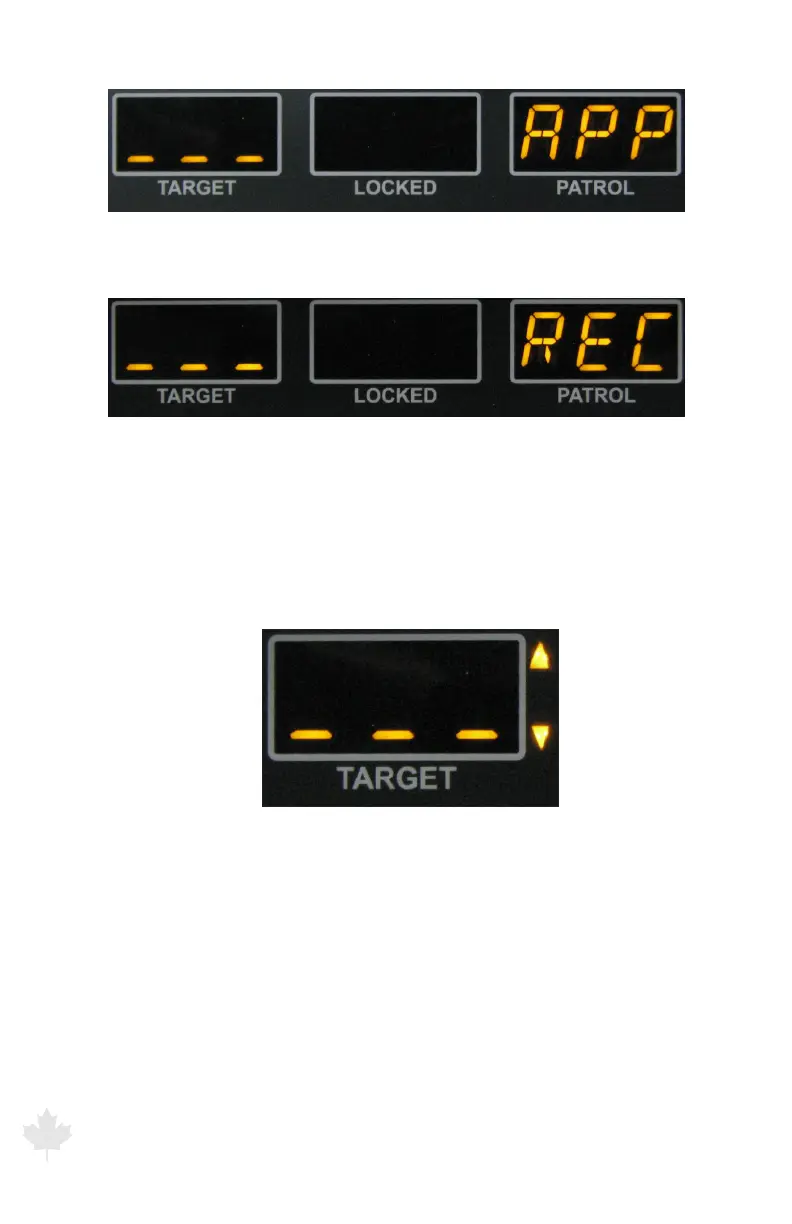
Figure 3.3.1c
Stationary track Approach targets (No antenna is selected)
Figure 3.3.1d
Stationary track Recede targets (No antenna is selected)
When an antenna is transmitting, the radar will switch to only
displaying the up or down arrow corresponding to the target
direction of travel.
Figure 3.3.1e
Both up and down Arrows display in Stationary All Mode when front or rear antenna
is selected.
When the radar is toggled into the “Stationary Approach Only” mode,
the up pointing or down pointing arrow to the right of the TARGET
window will illuminate. (When using the FRONT antenna, targets
approaching the patrol will be represented by the arrow pointing
down. An arrow will be pointing up when the REAR antenna is
selected and a target approaching the rear antenna.



 To Next Page