G3
™
User’s & Installation Manual
7/October/2020
45
MENU ITEMS:
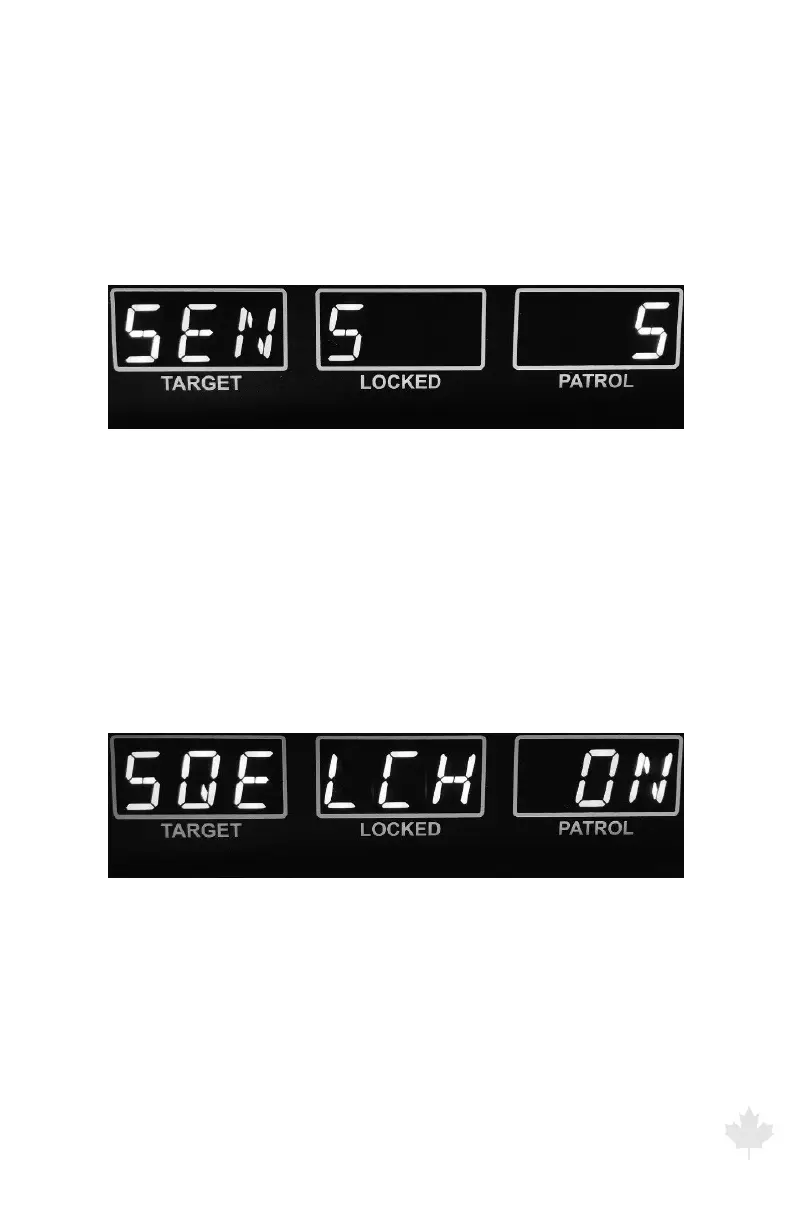
(a) SENS (RANGE)
Sets the maximum range for the radar. Settings are 1 (min) through
5 (max). Press the Front antenna button to increment through the
settings or press the Rear antenna button to decrement through the
settings.
Figure 6.1b
The G3™ front display showing radar menu range or sensitivity display.
(b) SQELCH
Sets squelch mode. Selects the type of Doppler audio you hear. In
squelch mode, the sound heard is only from the Doppler tone for the
currently displayed target. In unsquelched mode, the unit passes all
Doppler tones, interference and noise received from the antenna.
You typically use unsquelched audio when you listen for interference.
Press the front or rear antenna button to toggle between o and on.
Figure 6.1c
The G3™ front display showing menu SQUELCH display.



 To Next Page