G3
™
User’s & Installation Manual
7/October/2020
46
(c) DIM
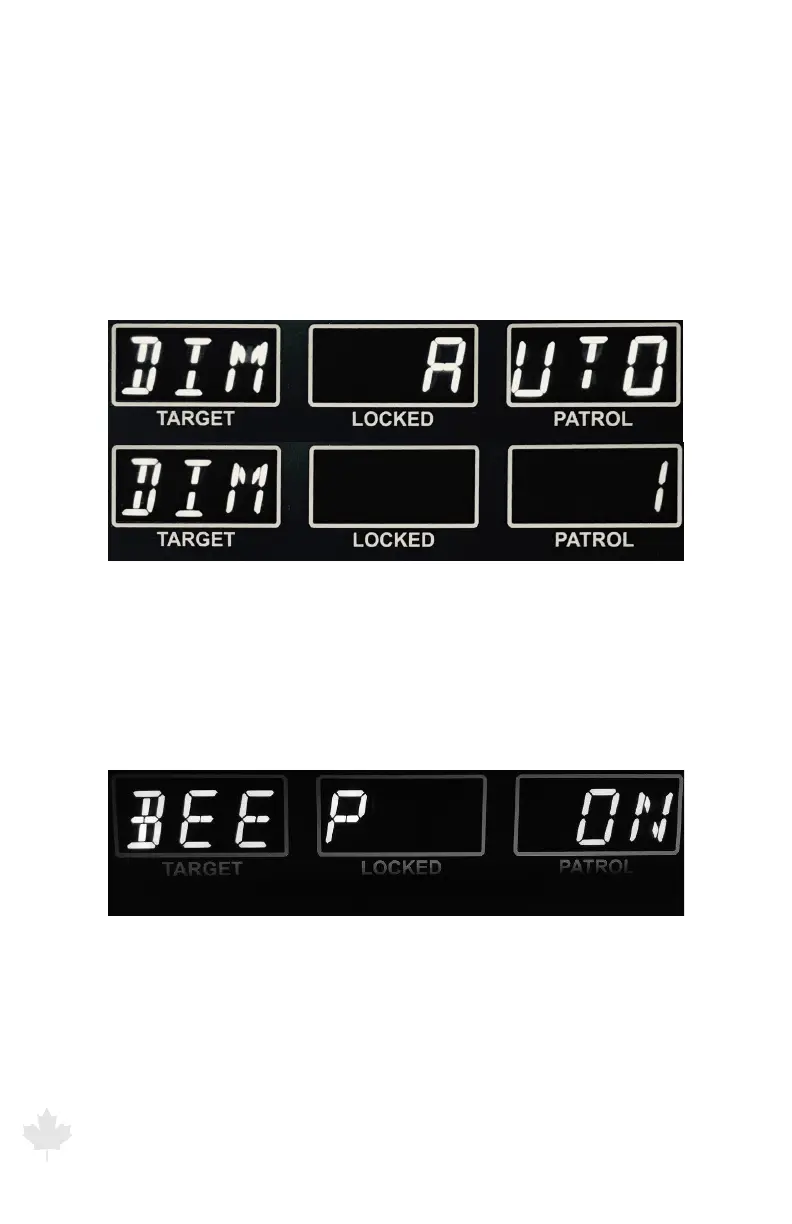
Allows manual or automatic dimming of LED display. If MENU
display setting reads AUTO then the display will automatically dim
or brighten as necessary to maintain good readability. To manually
dim the display, press the front or rear antenna to select a brightness
level. There are 8 levels of brightness (1 – 8) where 8 is the brightest
setting.
Figure 6.1d
The G3™ front display showing menu DIM
(AUTO and MANUAL setting of 1)
(d) BEEP
Turns on or o the beep. Press the front or rear antenna button to
toggle between o and on.
Figure 6.1e
The G3™ front display showing menu
Beep option selection display.



 To Next Page