35
ENCODE
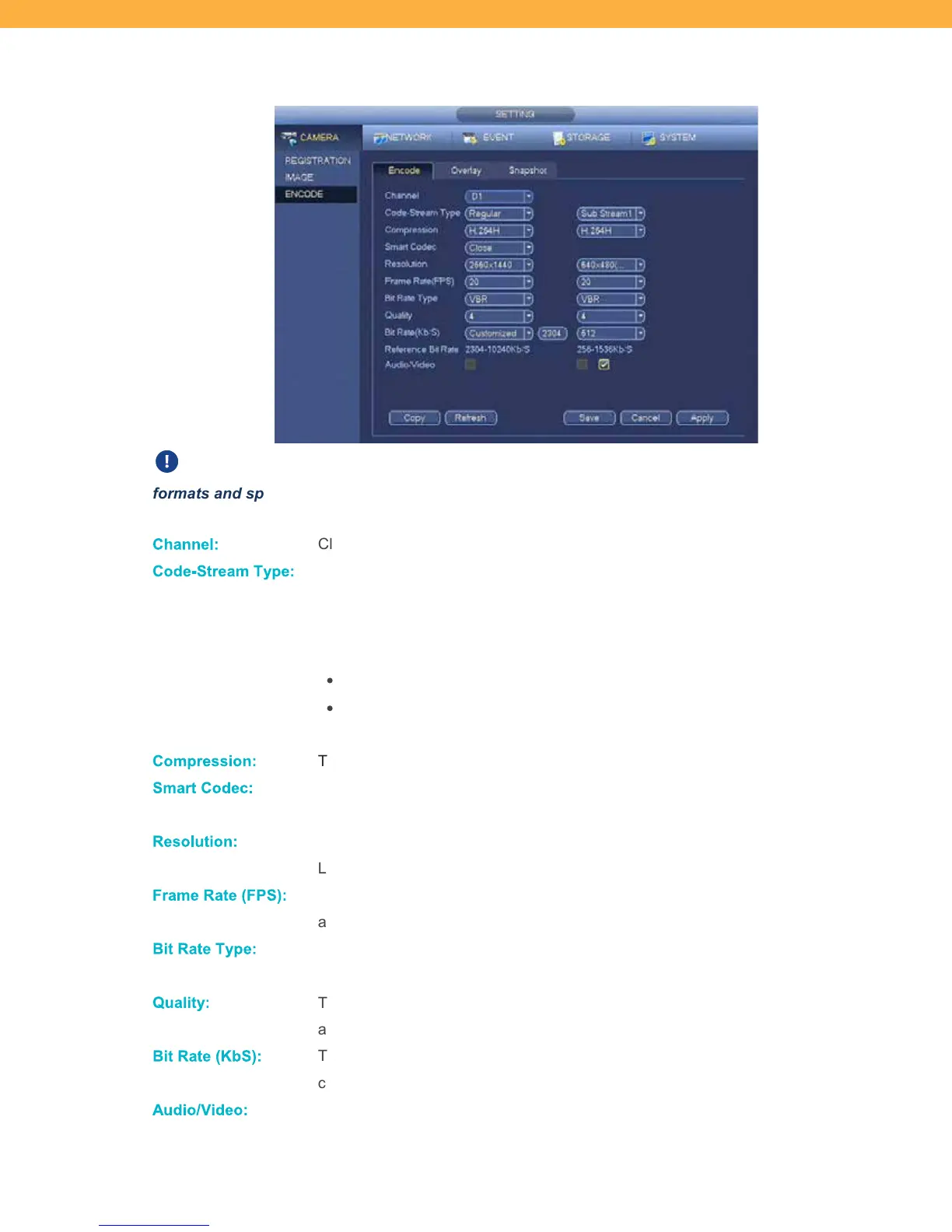
Encode Tab
Encoding is the process of preparing the video for output. Video is encoded to meet proper
formats and specifications for recording and playback through the use of video encoder software.
Ch anne l:
Click the drop down to select a Channel (Camera).
Code- Stream T ype:
Click the drop down to select from the options: Regular, MD (motion detection) or
Alarm.
Click the options drop down beside the Code-Stream Type field to select between
Main and Sub Stream.
Main Stream: Higher stream resolution
Sub Stream: Low/Standard stream resolution for lower bandwidth situations
(ex: high internet traffic can cause lower bandwidth)
Co mpression:
This is set to H.264H which is optimal for your system and cannot be changed.
Smart Codec:
This minimizes bandwidth and storage requirements and maximizes video
resolution. This is set to Closed by default for optimal performance.
Reso lution:
This set to the optimal resolution for the camera and does not need to be changed.
Lowering the resolution will increase connectivity, frame rate and performance.
Frame R ate (FP S):
This is the frequency (rate) for images recorded per second. Click the drop down
and select from the options. We recommend 20.
Bit Ra te T ype:
Click the drop down to select from the options: VBR (Variable Bit Rate) or CBR
(Constant Bit Rate).
Qualit y:
This setting relates to the Bit Rate Type and is set to 4 which is best for performance
and quality balance.
Bit Ra te ( Kb S):
This is defaulted to the best setting for performance and does not need to be
changed.
Audio /Vid eo:
Not available on the included cameras.



 To Next Page