59
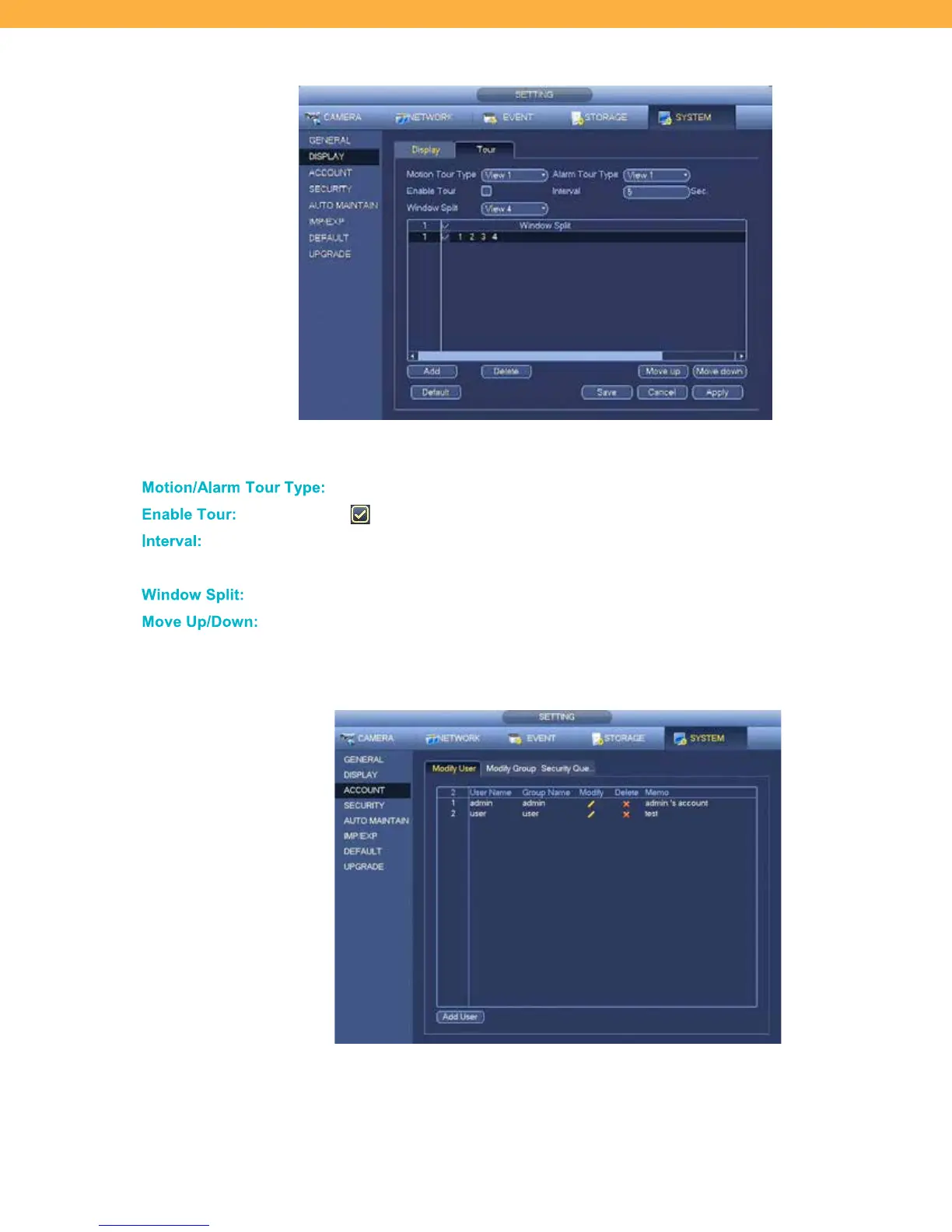
Tour Tab
Tour allows you setup tour intervals, window splits, and motion/alarm tours for PTZ cameras.
Motion/ Ala rm T our T ype:
Click to select the View for the tour from 1 to 4.
When selected the tour will be active.
Click the field to enter the number of second between tour options. The system
supports between 5 and 120.
Select the window/view groups.
Use the buttons to change the sequence of window splits.
ACCOUNT
Modify User Tab
The User tab allows you to add, delete or modify users. You are able to add up to 64 users and allows for
multiple users to login under the same account.



 To Next Page