12
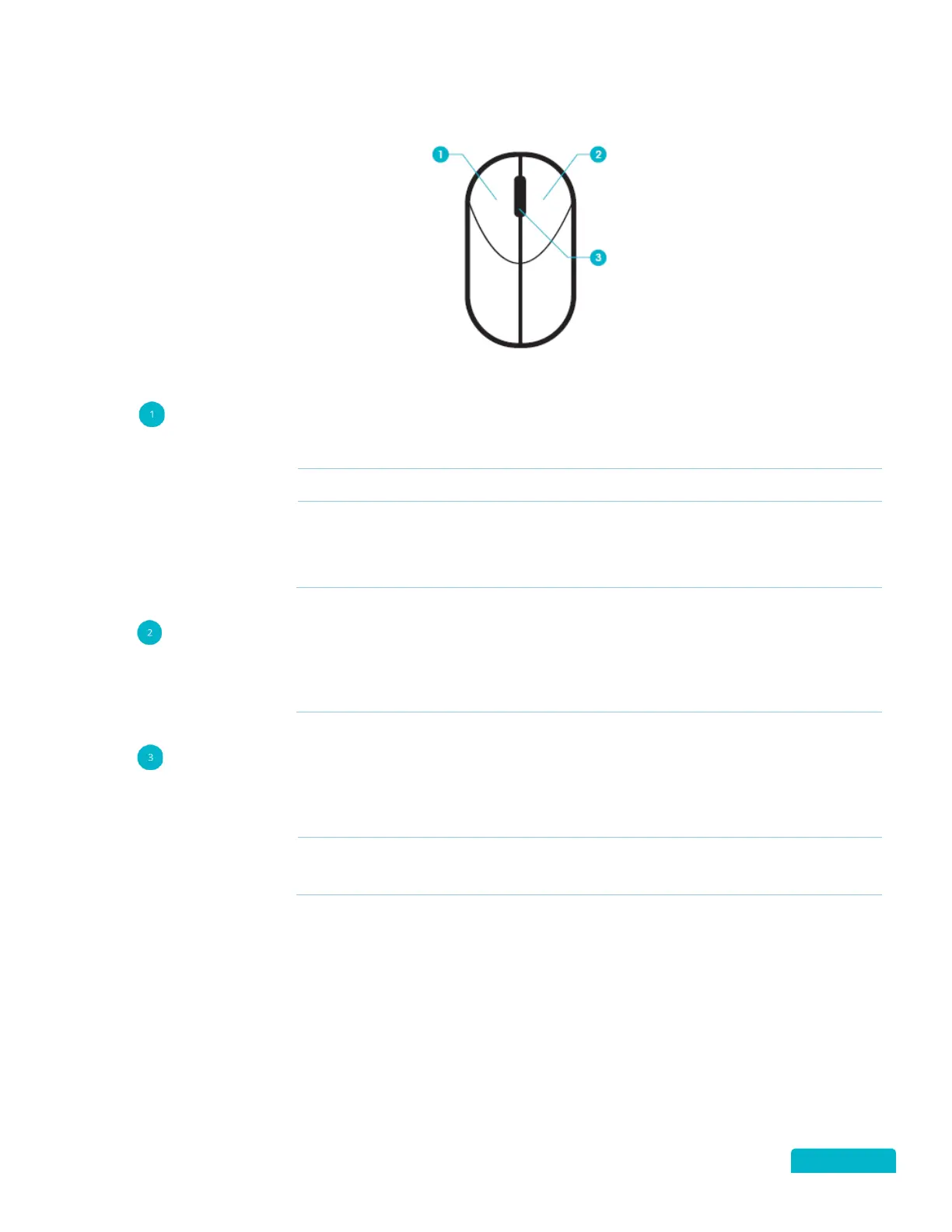
7.3 MOUSE CONTROLS
LEFT BUTTON
In Live View to select a camera (channel)
In Live View to switch between single and multi view screens
To set Video Tampering, Privacy Mask, and Motion Detect target areas
Moves Zoom area/view
In Live View to move the Channel and Time Bar labels
RIGHT BUTTON
SINGLE CLICK
In
to open the Quick Menu
In a Menu to exit to the current screen and return to the previous screen
SCROLL WHEEL
In Live View to view the Previous screen
In Live View when you select Zoom move the scroll wheel to zoom in.
In Live View to view the Next screen
In Live View when you select Zoom move the scroll wheel to zoom out.



 To Next Page