27
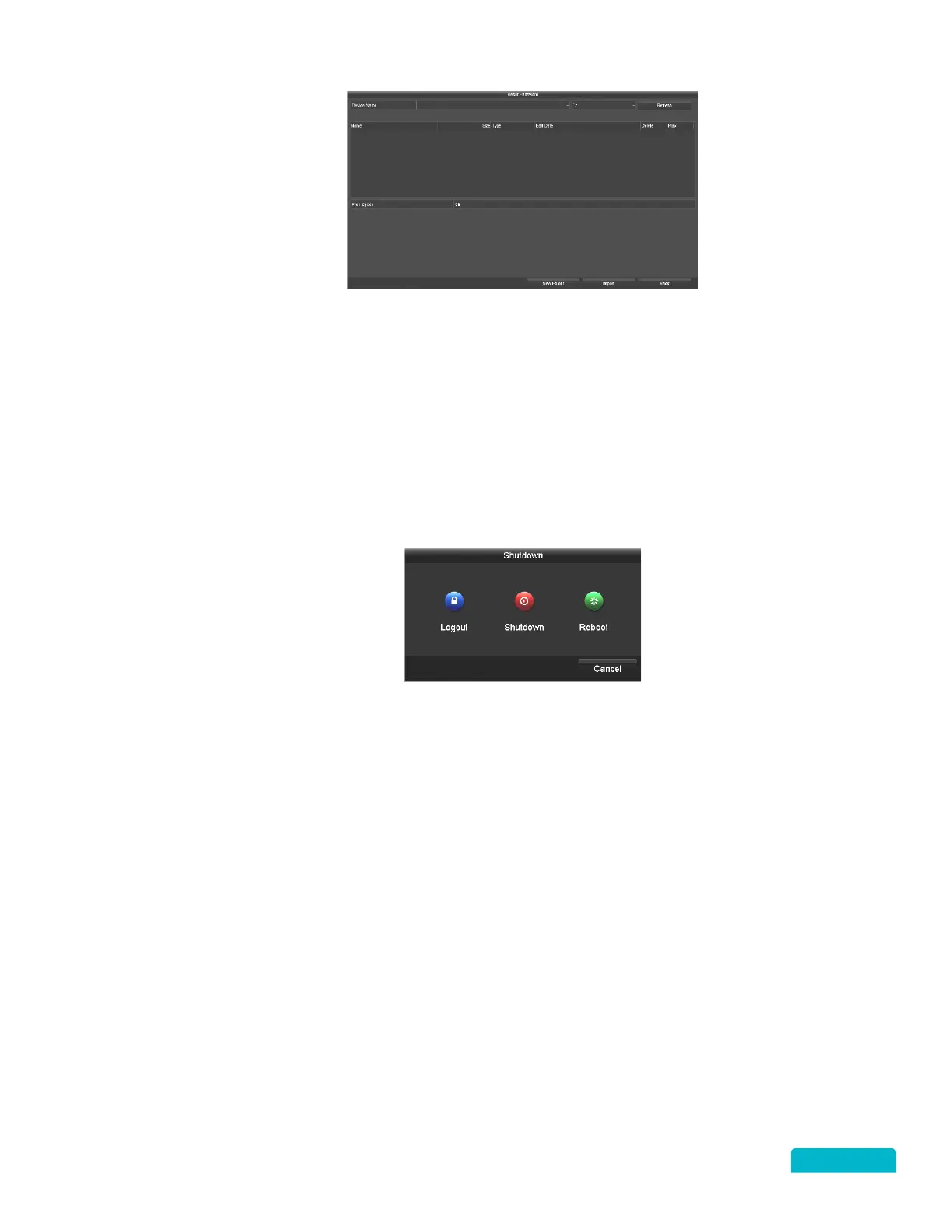
Insert the USB into the DVR, select the Device, File, and click Import. The Password Reset screen
will open allowing you to create and enter another password, confirm the password and click
OK. In the Attention pop-up window select OK to export the new password file. The Duplicate
password to the IP Camera password pop-up will appear. Click Yes to update the GUID file.
9.4 SHUT DOWN
RIGHT CLICK MENU > DEFENDER 4K MENU > SHUTDOWN
To shut down the system you have 3 options:
Logout: Closes the current user account and allows for another user to login.
Shutdown: Turns off the DVR.
Reboot: Restarts the DVR.



 To Next Page