67
18.3 PLATE SEARCH
RIGHT CLICK MENU > DEFENDER 4K MENU > ANALYTICS > PLATE SEARCH
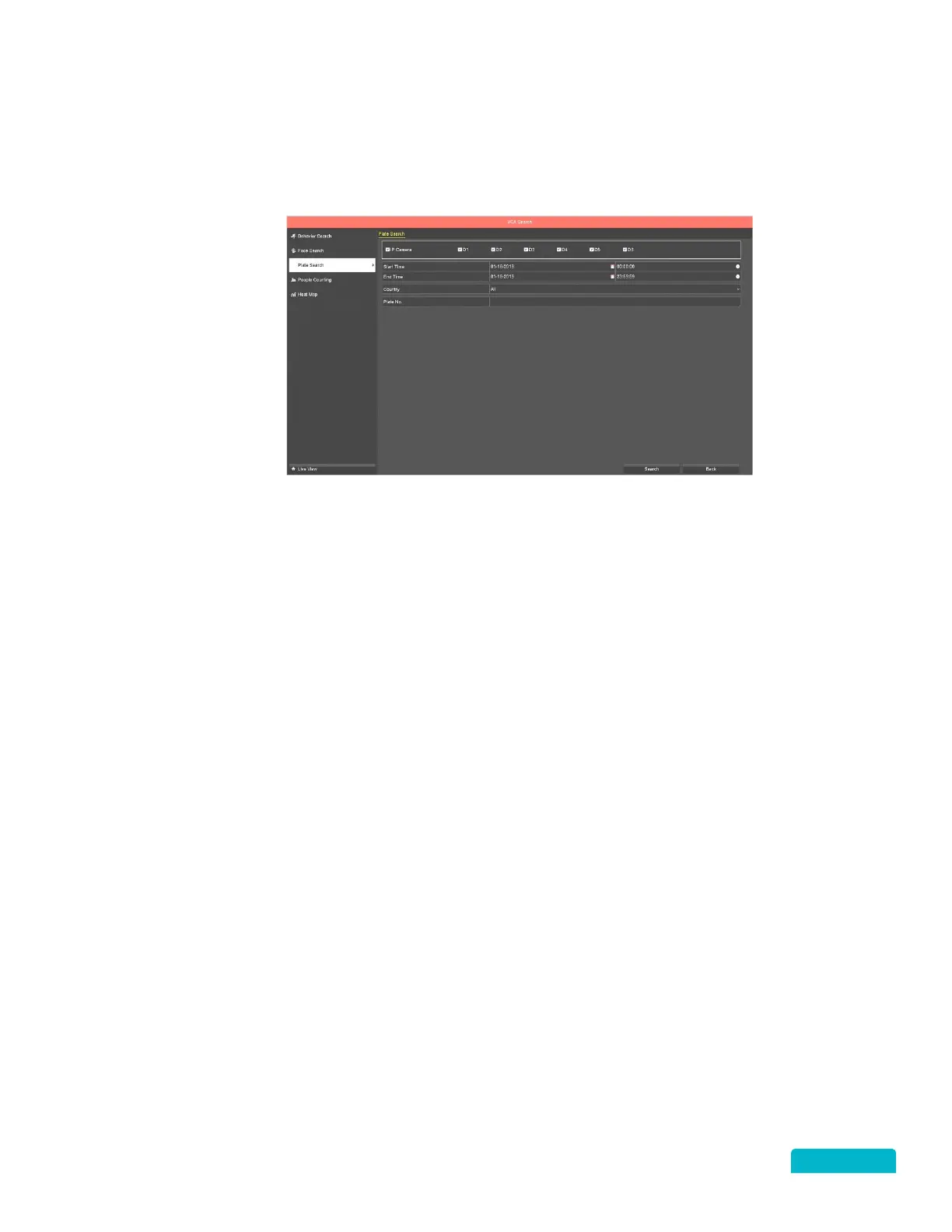
When there are plate pictures included in the recorded footage, you can search these images on the Plate
search screen.
1. Click the Camera checkbox to include a camera in the search.
By default, all cameras are
selected.
2. Use the Start/End Date calendar icons to select a date range for the search.
3. Use the Start/End Time icons to select a timeframe for the search.
4. Use the Country drop-down to select your country or select all.
5. Enter the license plate number in the Plate No. field.
6. Click Search to view the results.



 To Next Page