59
15.2 MANUAL VIDEO QUALITY DIAGNOSTICS
RIGHT CLICK MENU > DEFENDER 4K MENU > MANUAL CAMERA SETTINGS
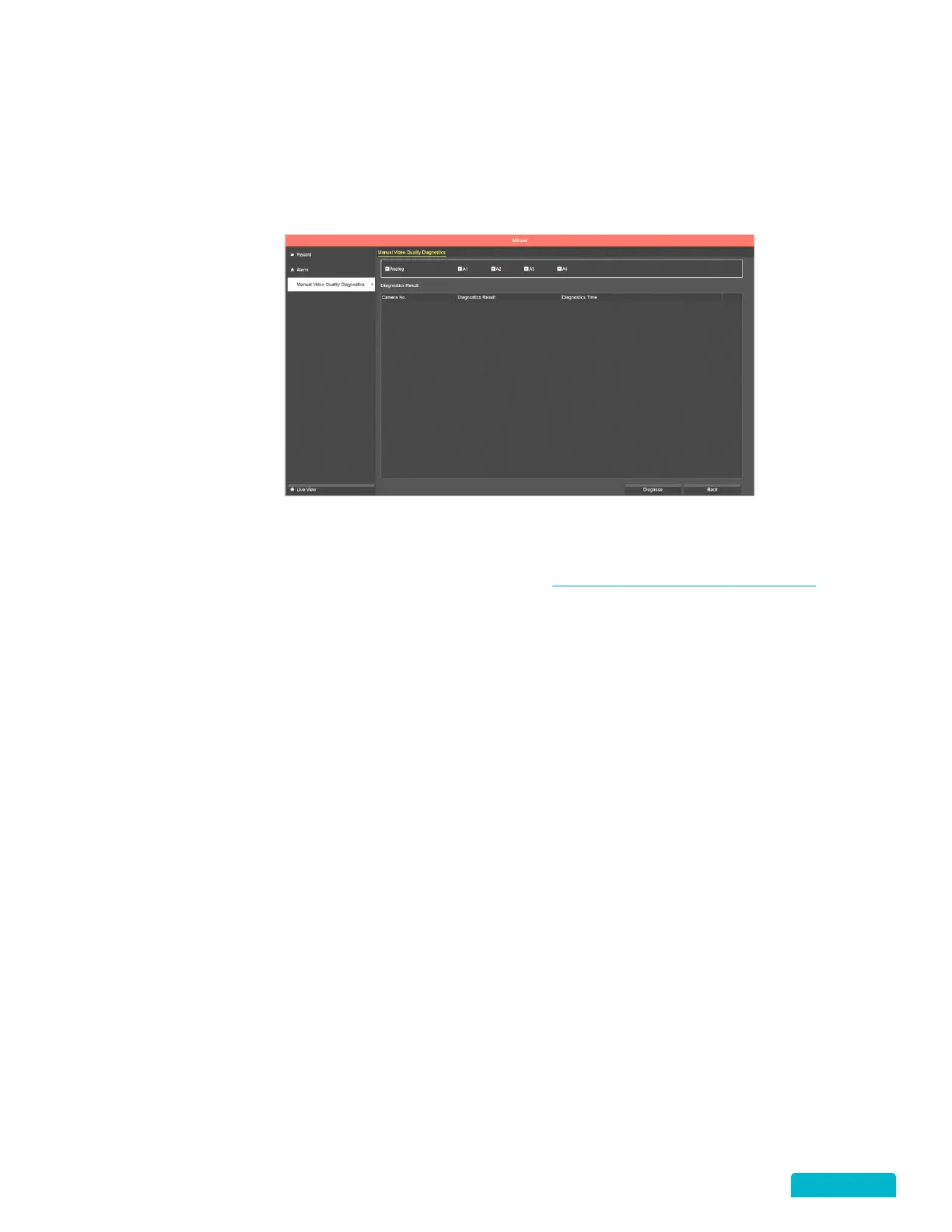
This feature allows you to run a video quality diagnostic manually on any or all cameras connected to the
DVR. The criteria for good quality is setup on the Video Quality Diagnostics screen. When the criteria is
set you can also setup a schedule for when this diagnostic should run automatically.
1. Click the Analog checkbox to select all cameras or select specific Cameras.
2. Click the Diagnose button to begin the check – the system will check based on the criteria assigned
on the Video Quality Diagnostics screen. See section 13.9 VIDEO QUALITY DIAGNOSTICS
for
details.
3. The Results will show on the screen indicating whether the quality settings have been
compromised.



 To Next Page