35
11.4 PLAYING FOOTAGE
This section covers how to play footage on a PC. The Player exported with the files is not supported for
Mac users. To download a Player, visit our website at www.defender-usa/support
. The process for both
PC and Mac users is similar once you have the Player.
Once the files have been exported to the USB, remove it from the DVR and insert it into your computer
and open the folder.
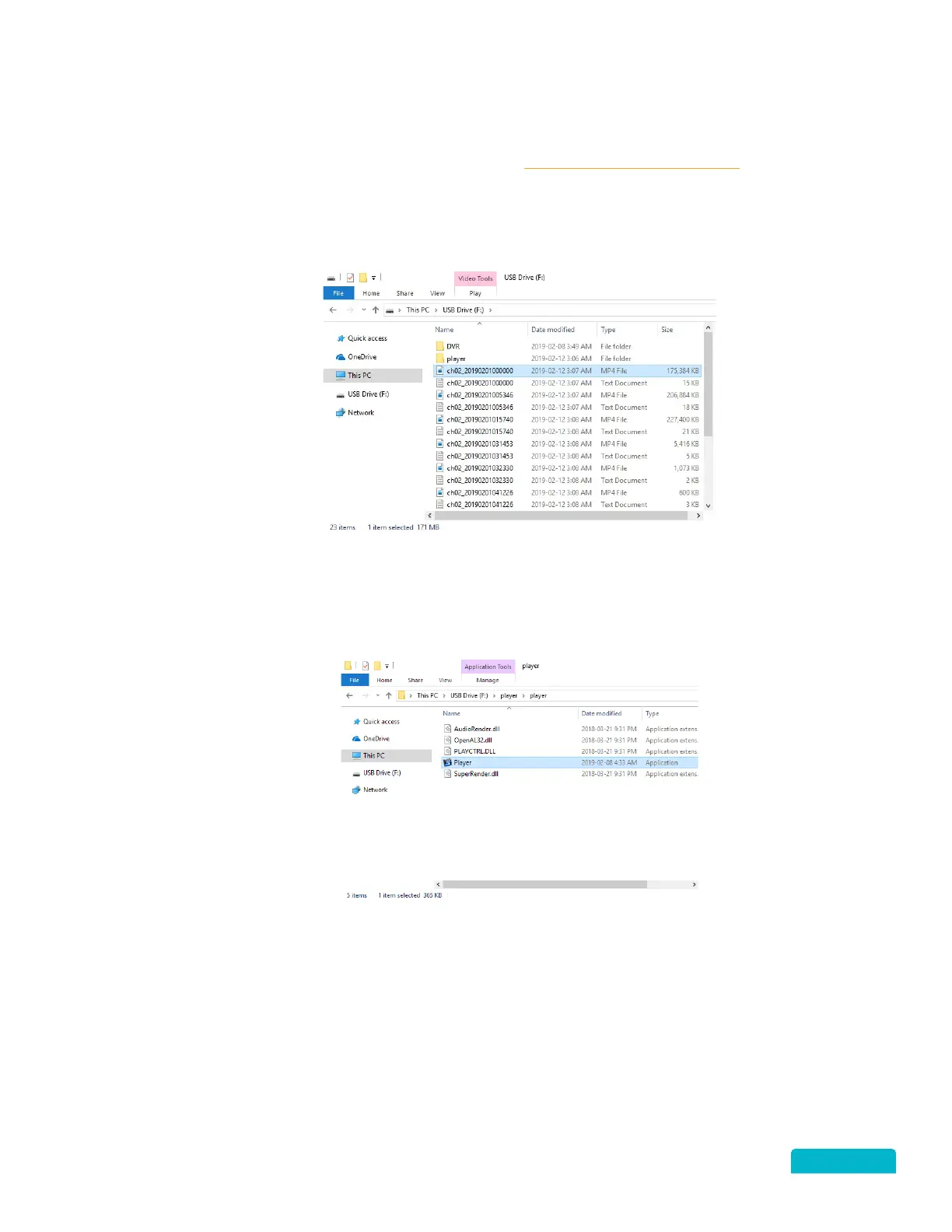
When you open the folder, the files were exported to you will see the Player folder, a file for each
footage you selected, and a text file with the details for each file.
1. Double click on the player folder to open.
2. Click Player to open the media player app.
3. Select the File to play:
Drag & Drop
• With both the Player and Folder windows open



 To Next Page