47
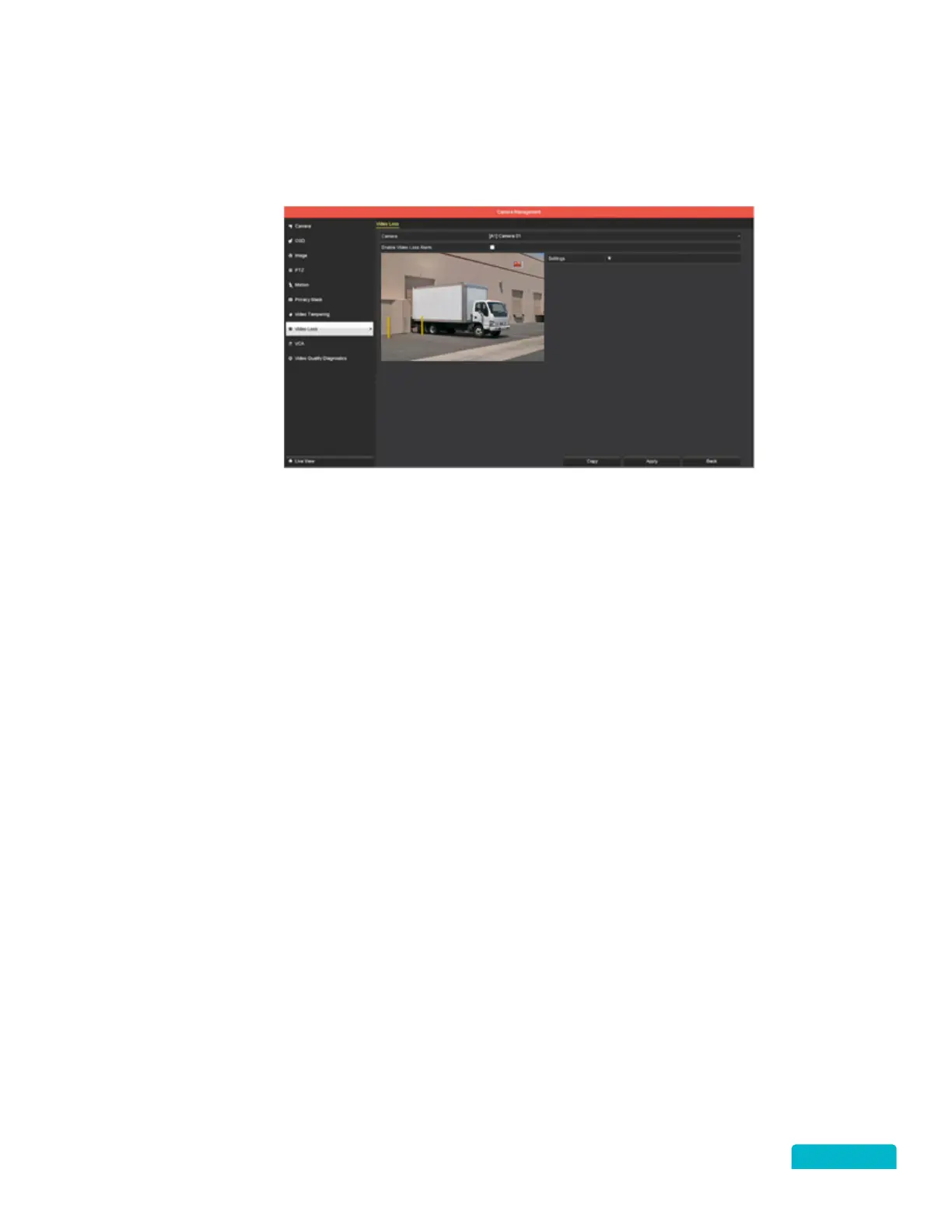
13.7 VIDEO LOSS
RIGHT CLICK MENU > DEFENDER 4K MENU > CAMERA SETTINGS
This section allows you to set parameters for the system to alert when a camera has lost connection with
the DVR.
1. Use the Camera drop-down to select a camera.
2. Click the Enable Video Loss Alarm checkbox to all for loss detection.
3. Click Settings to apply an action when the DVR detects video loss on the camera.
4. Click Apply to save these settings.
5. Use the Copy function to apply these settings to other cameras.



 To Next Page