45
13.5 PRIVACY MASK
RIGHT CLICK MENU > DEFENDER 4K MENU > CAMERA SETTINGS
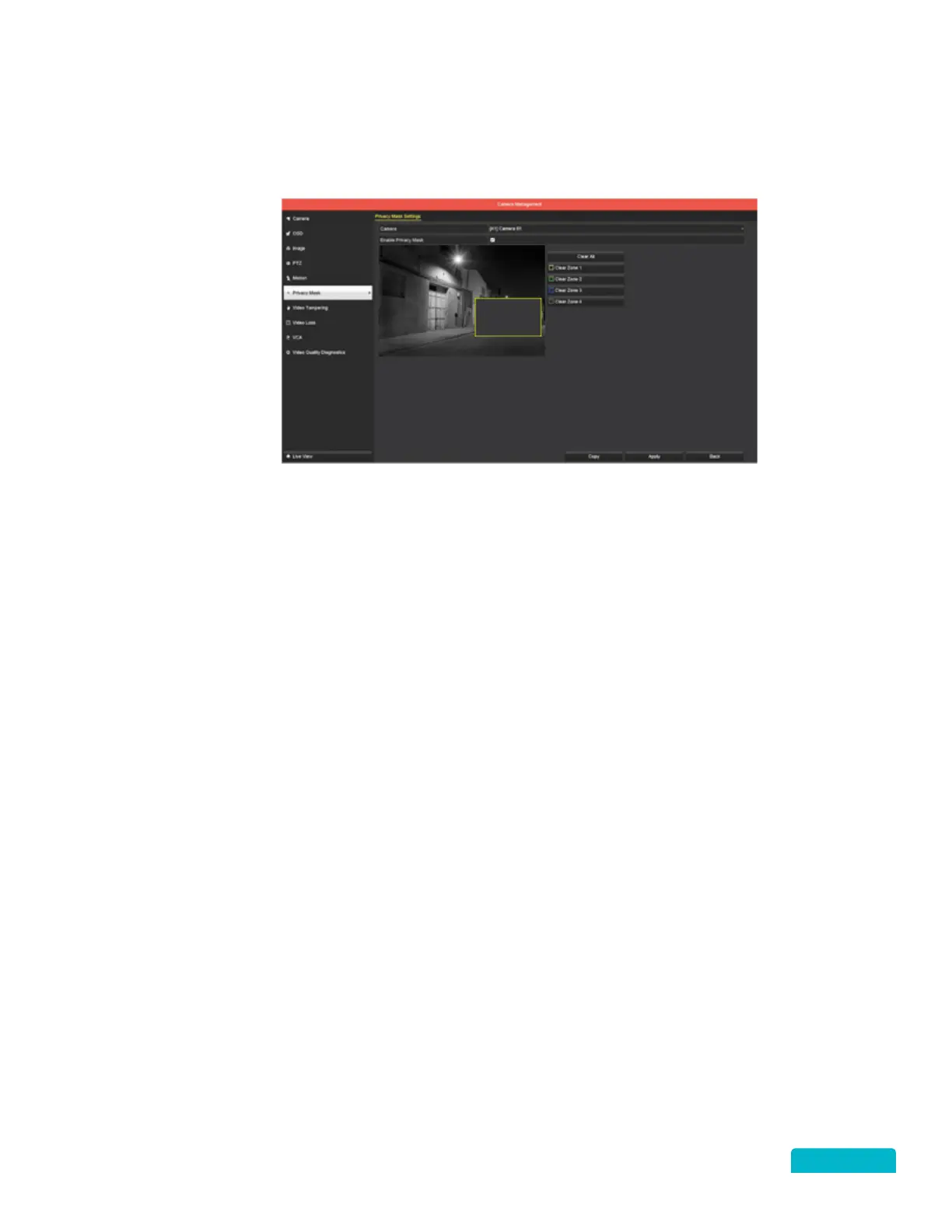
This section allows you to set areas that will not be recorded.
1. Use the Camera drop-down to select a camera.
2. Click the Enable Privacy Mask checkbox to allow for privacy areas to be applied.
3. Click and drag the mouse within the preview window to set the areas that will not be recorded.
You can set up to 4 areas for each camera. Areas that are blocked out will not be recorded.
4. Click the Clear All or Clear Zone 1-4 buttons to remove areas that have been set.
5. Click Apply to save these settings.
6. Use the Copy function to apply these settings to other cameras.
The privacy areas may not be
the same on all cameras.



 To Next Page