13
7.4 ON-SCREEN KEYBOARD
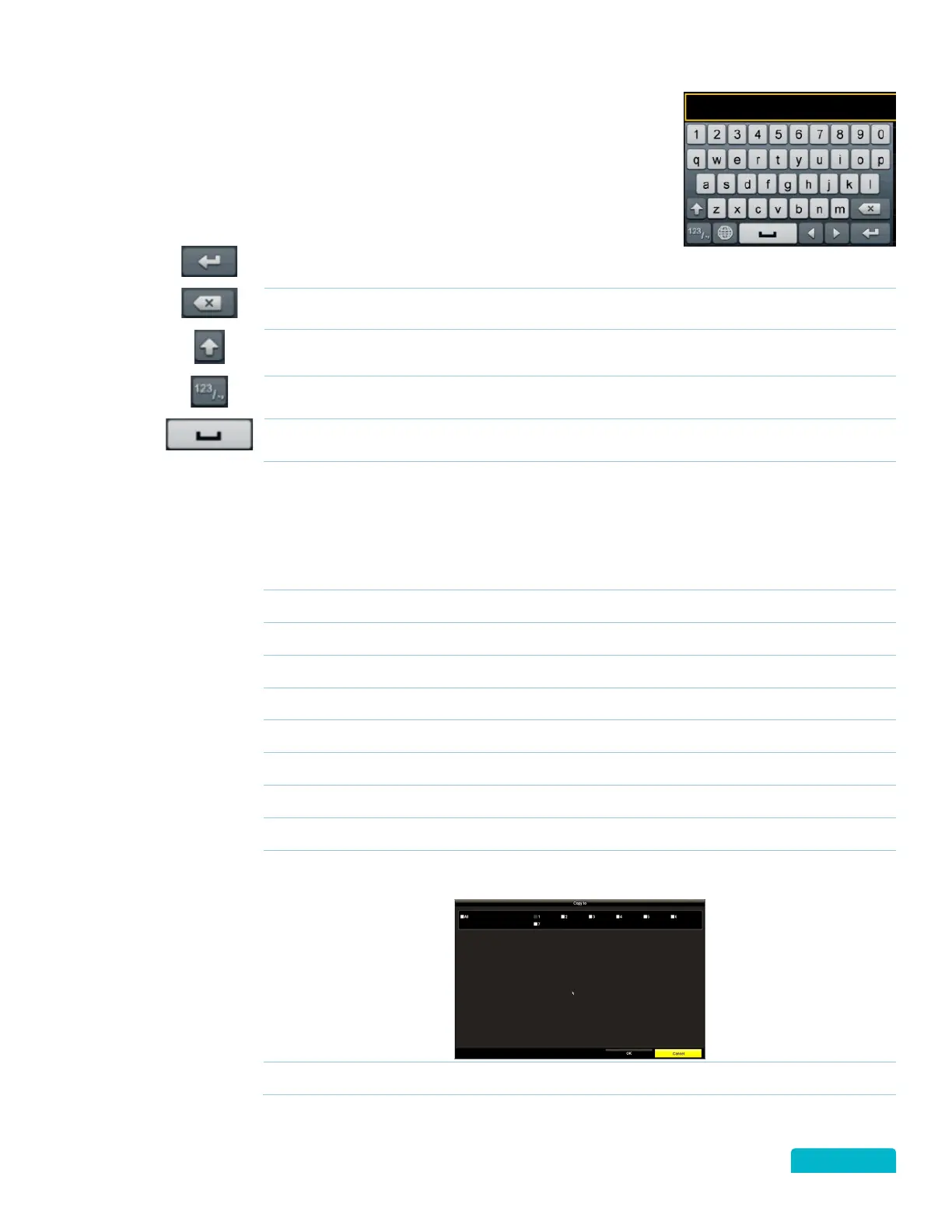
To enter information, click (left button) on an input field to open the on-
screen keyboard. This will allow you to select the characters/numbers
using the mouse (left button).
Switches the letters between upper/lower case
Switches the keyboard between letters/number/characters
Inserts a space between letters/words
7.1 STANDARD COMMAND BUTTONS
Click to apply the changes you have entered. In some case the next screen will appear
and in others the screen will not change but the changes will be applied.
Click to close the current screen.
Click to move to the next screen.
Click to return to the previous screen.
Click to accept the changes or option on the current screen.
Click to exit the current screen without saving any changes.
Click to exit the current screen and return to the Live View screen.
Click to start a Search on a screen.
Click to return to the previous screen.
Click to open the Copy option when available. Select the Cameras (Channels) to copy
the current setting to.
Click to open a new screen to add settings.



 To Next Page