57
14.5 USER SETUP
RIGHT CLICK MENU > DEFENDER 4K MENU > CONFIGURATION
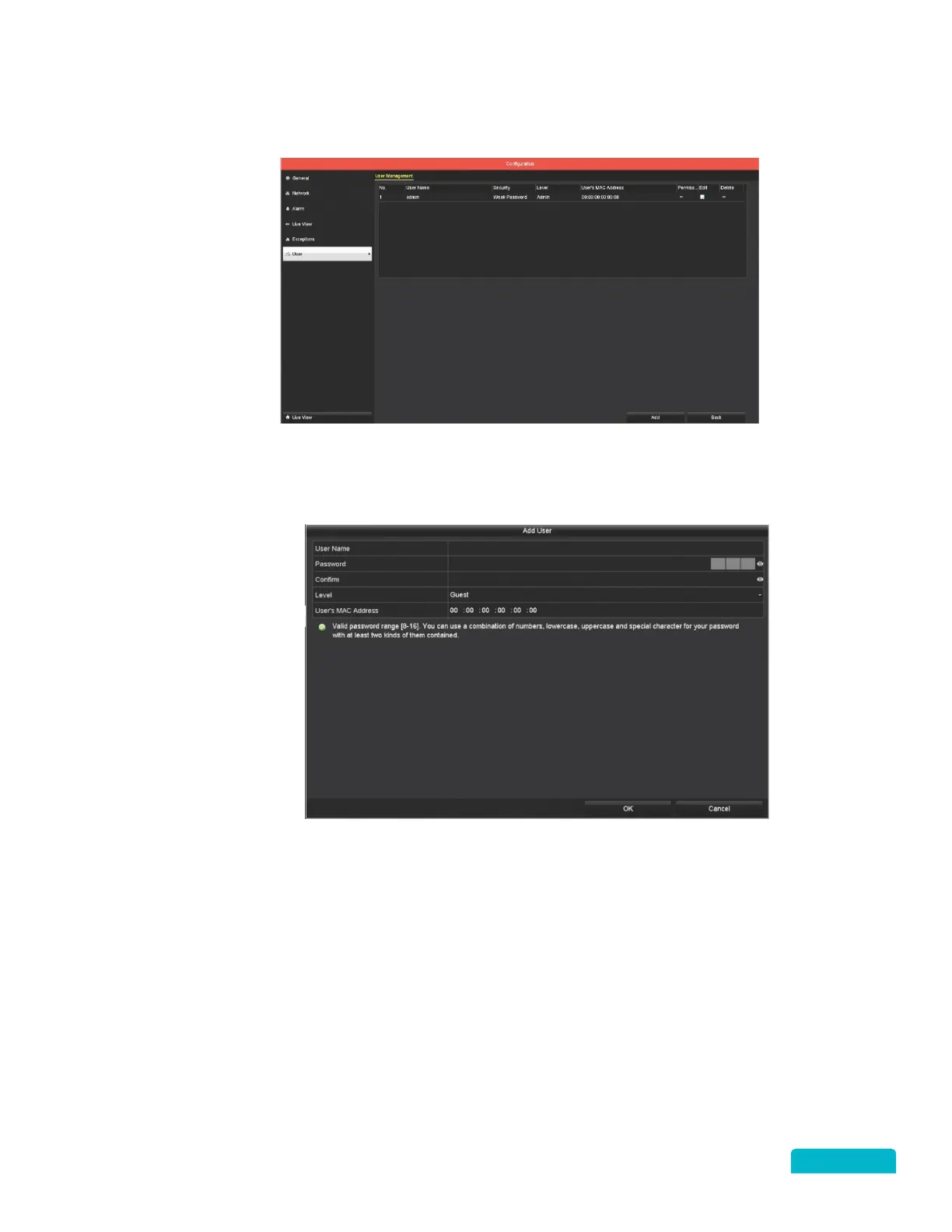
1. You can click Edit to change user details like name, password and rights. Click OK to save changes.
Select Delete to remove a user.
2. Click Add to create a new user account:
A. Click the User Name field to enter a login name.
B. Click the Password field to create a password for the user.
The same password criteria
used to set up your password applies to all users.
C. Click the Confirm field to re-enter the password.
D. Use the Level drop-down to select the type of user:
• Guest: User will be able to see the Live View screen and Playback recorded footage.
• Operator: User will be able to access all camera operations (including Playback and
Exporting) and they will have limited access to most menu functions.
Operators are not
able to change the DVR or Camera settings.
E. If the User’s MAC Address is entered, they will be able to access the DVR remotely only from
the computer using that MAC Address.
F. Click OK to add the user.



 To Next Page