69
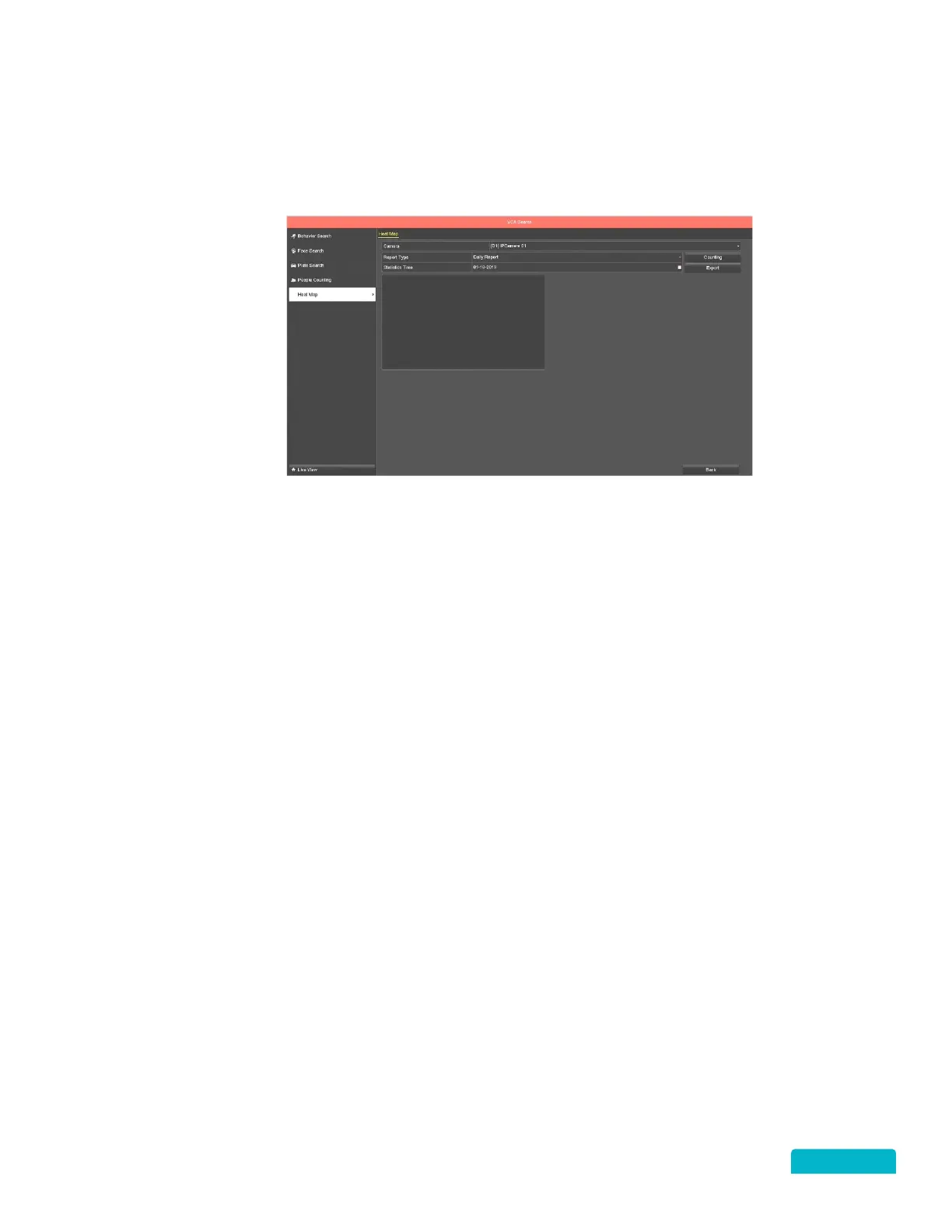
18.5 HEAT MAP
RIGHT CLICK MENU > DEFENDER 4K MENU > ANALYTICS > HEAT MAP
The Heat Map function is a graphical representation of data. This is usually used to analyze how many
people visited and stayed in a specific area.
1. Use the Camera drop-down to select a camera for the search.
3. Use the Report Type drop-down to select Daily, Weekly, Monthly or Annual report.
4. Use the Statistic Time calendar icon to select a date range for the report type.
5. Click Counting to start the search. The results will appear in the window below.
6. Click Export to save a copy of the report to a USB flash drive.



 To Next Page