24
SINGLE SCREEN
Select to change the Live View screen from multiple camera to view only one camera in full screen. Click
the camera from the list of cameras.
You can change the name of each camera to make selecting
easier (example: Driveway, Main Entrance, etc.).
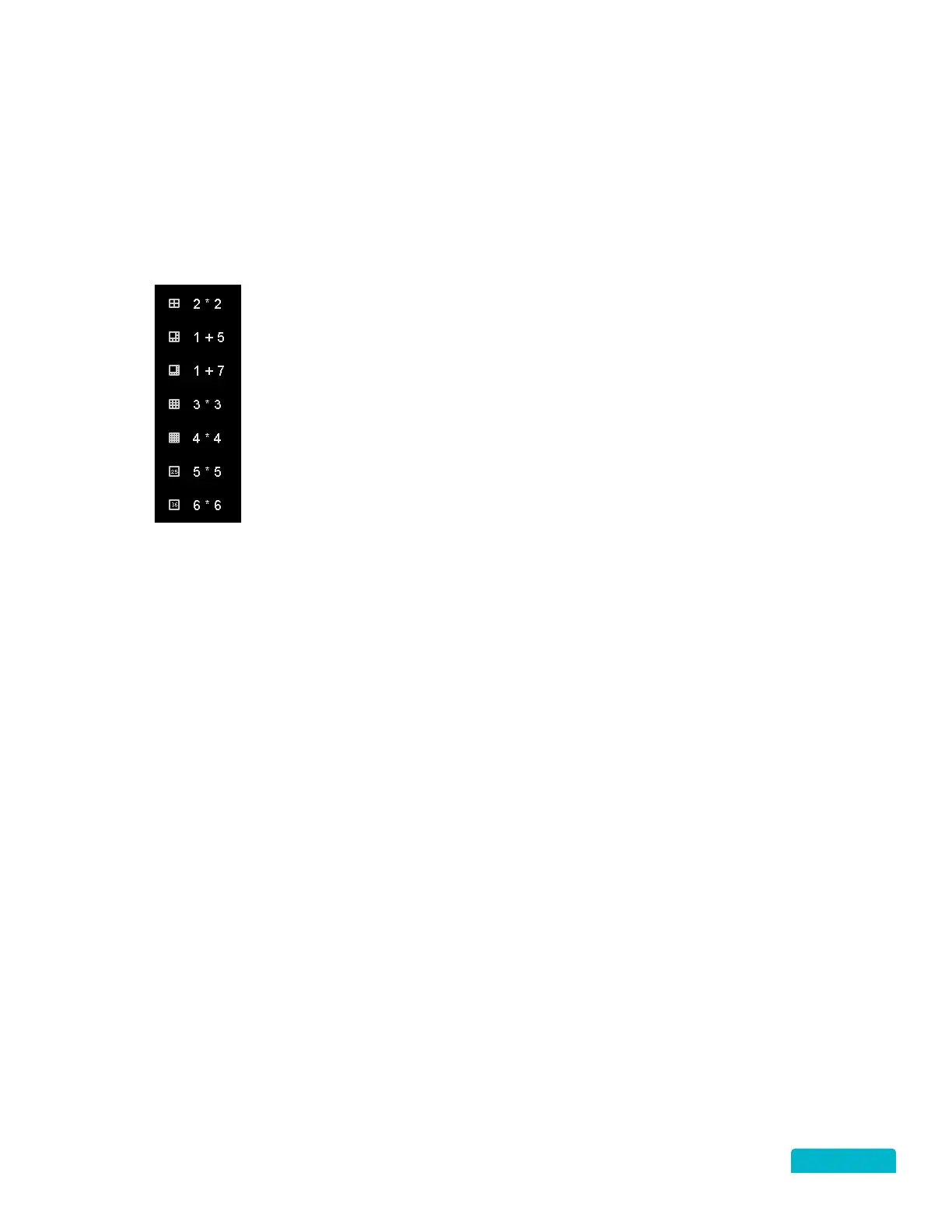
MULTI-SCREEN
Select to change how multiple cameras are displayed on the Live View screen.
The
options will vary depending on the number of channels you have on the DVR (4, 8 or 16).
Click an option and the Live View screen will change.
PREVIOUS/NEXT SCREEN
• Previous Screen: Click to move to the previous view/screen.
• Next Screen: Click to move to the next view/screen.



 To Next Page