10
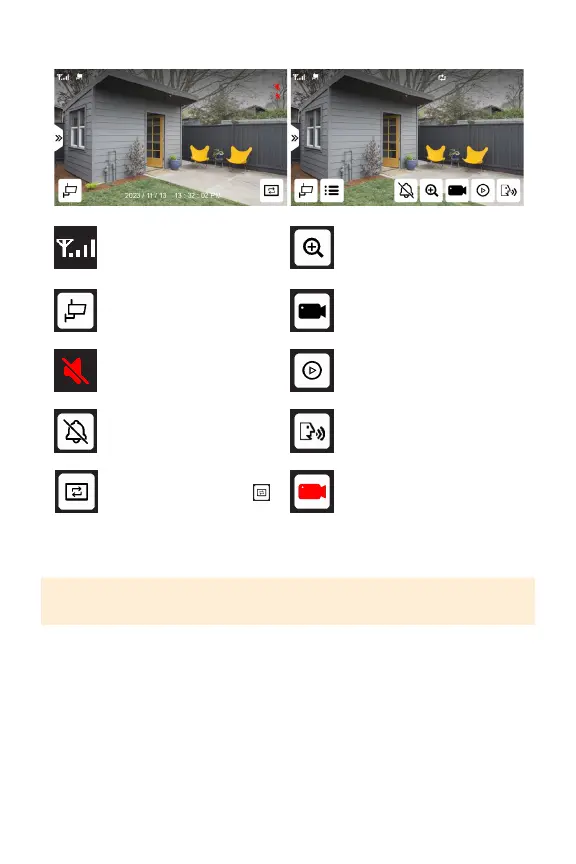
SINGLE VIEW MODE
Camerasignalstrengthto
themonitor
Switchcamerachannel
Monitorvolumemuted
Tapandholdtoturnon
sirenonthecamera
Zoominoncameraview
Manuallystartrecording
ontheselectedchannel
Enterplaybackmenu
Pressandholdtotalk
PLEASE NOTE: In single view, to turn the volume on or o, use the volume buttons
at the top of the monitor.
Manualrecordingonthe
selectedchannelin-progress
Toentersequencemode
frommultiviewmodetap
Toexitsequencemodetap
andreturntomultiviewmode,
tapthescreen.



 To Next Page