29
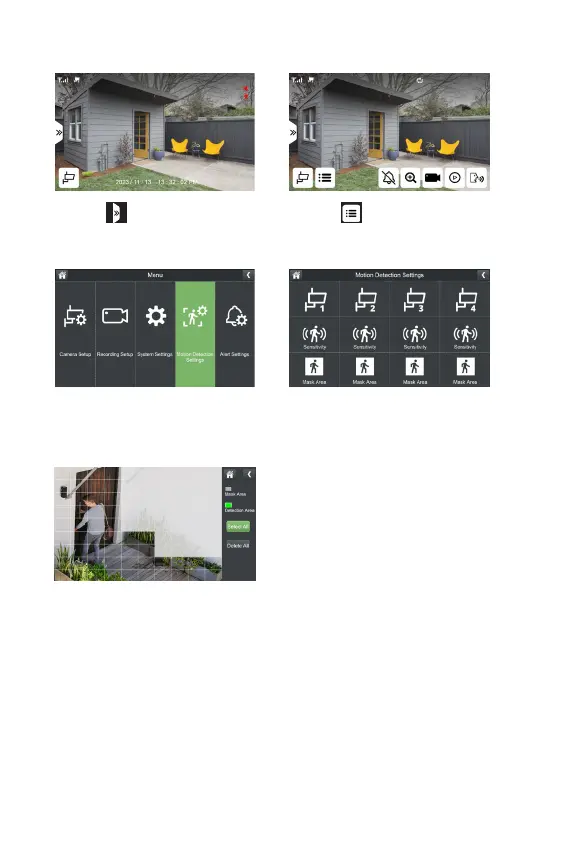
MASK AREA
1. Select
3.SelectMotionDetectionSettings
5.Bydefault,yourcamerawilldetect
motionintheentireeld-of-view.Ifthisis
yourpreferredsetting,skipthisstep.To
lteroutunwantedmotiondetection,tap
thegridtomaskoverareaswhereyoudo
notwishtodetectmotion.Maskedareas
wilappearwhite.
*Repeat for each camera.
2. Select
4.TapMaskArea



 To Next Page