33
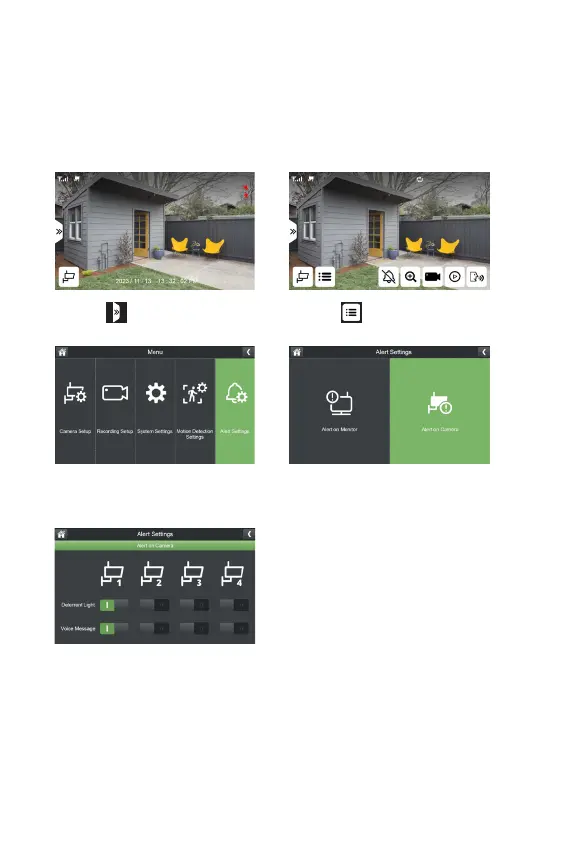
CAMERA ALERT
Therearetwotypesofcameraalerts.
Voice Message:Thecamerawillmakeanannouncement“Thisareaisunder24-hour
surveillance.“
Light: Thedeterrentlightisaredashinglightinfrontofthecamera.
1. Select
3.SelectAlertSettings
5.Selectthecamera(s)youwishto
haveanaudioalertand/ordeterrent
light.
2. Select
4.SelectAlertonCamera



 To Next Page