28
MOTION DETECTION SETTINGS
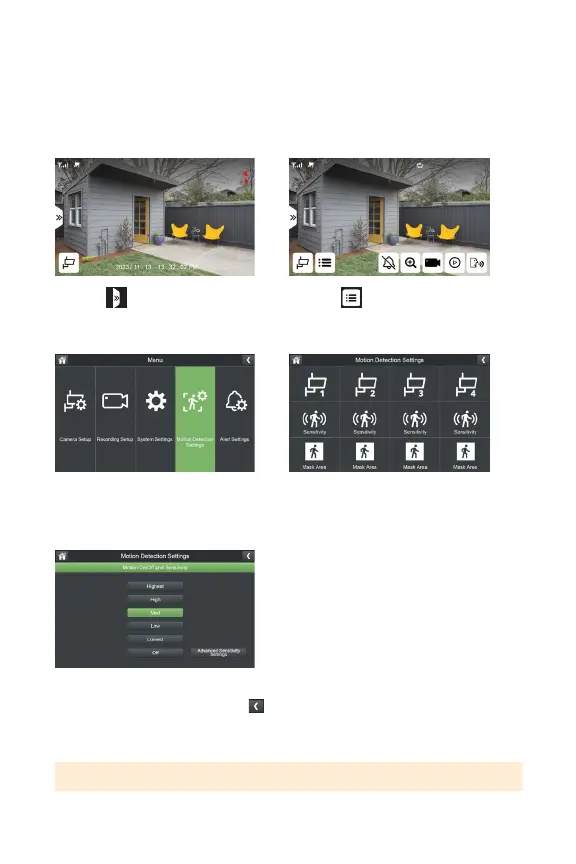
Customizeyourmotiondetectionsensitivitylevelandmaskareaforeachcamera.
Defaultsensitivityissettomedium.
SENSITIVITY
1. Select
3.SelectMotionDetectionSettings
5.Selectyourpreferredmotion
detectionsensitivitylevelandclick
toreturntothepreviousscreen.
*Repeat for each camera
2. Select
4.SelectSensitivityforthecamera
youwanttoadjustthesettingsfor
TIP: Refer to page 30 for Advanced Sensitivity Settings.



 To Next Page