64
Online Software
Local Settings
Save Paths
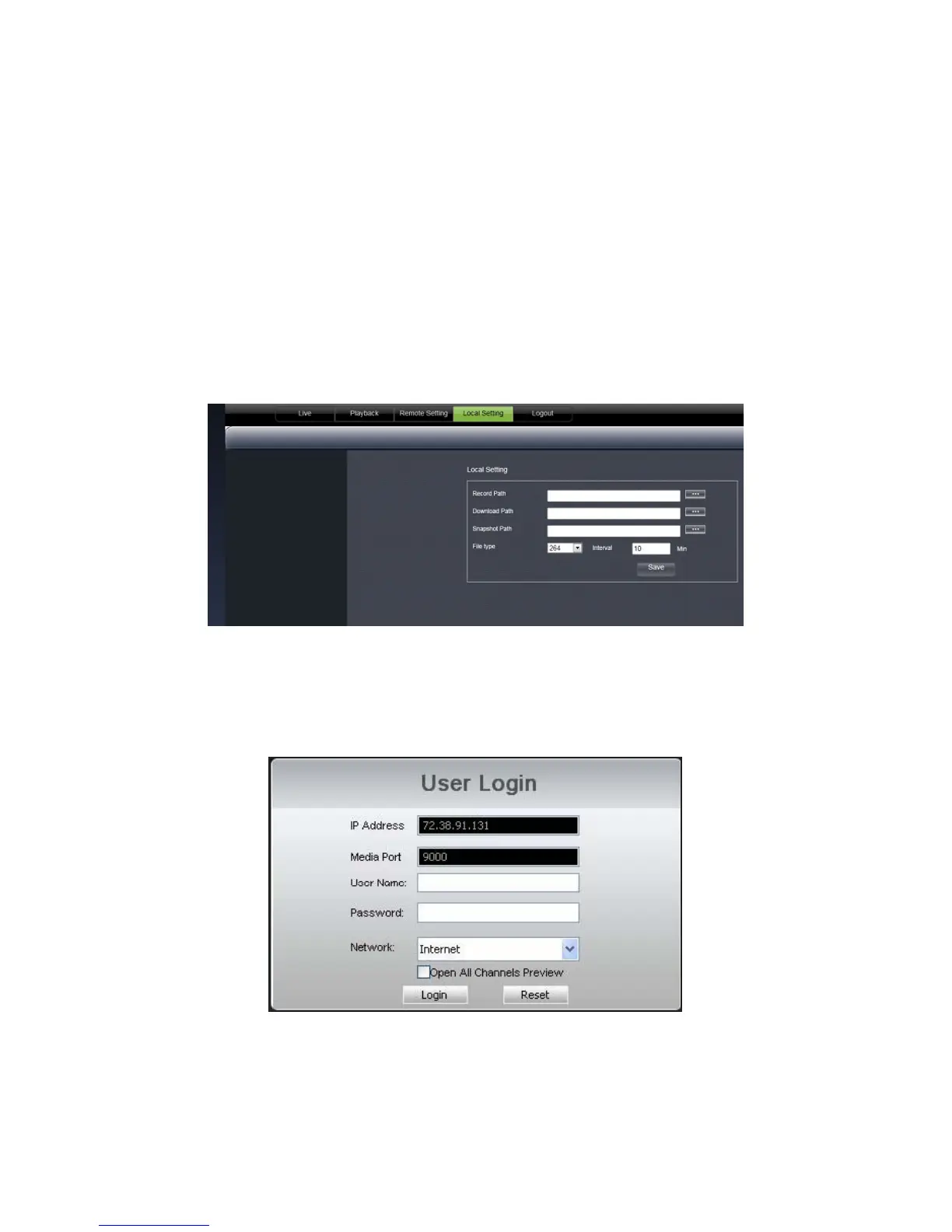
You can select where to save the files you capture, record and back up on your computer.
To change where the files are saved:
1. Click the (…) box next to the RECORD PATH area and a folder browse screen will appear.
2. Find the location you want the files to be saved to and double click the area.
3. Select OK.
4. The file you want the footage/pictures saved to will appear in the box.
5. Click SAVE to save settings.
Logout
Clicking on the LOGOUT tab logs you out of the online software and DVR viewing. When this tab is clicked, the
software will shut down, the screen will refresh and return to the initial user login screen.



 To Next Page