5.1.2 Person-related returning of keyTags without keyTag presentation
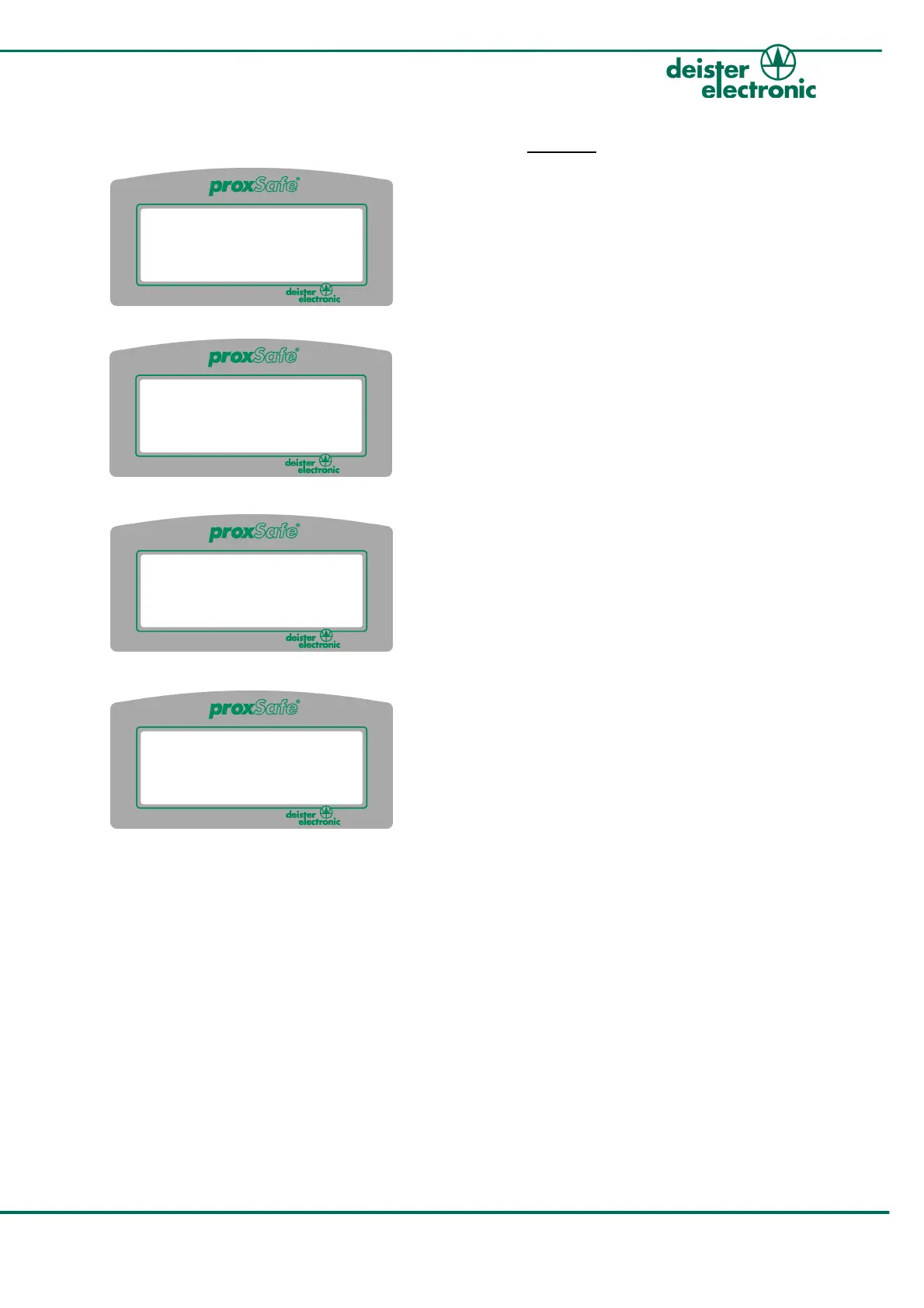
1. After presenting an ident card or
entering a PIN the selection menu
opens as seen on the left side. Select
“Return keyTags” by using the arrow
keys on the keypad and confirm with
the green “Entry”-button.
2. All keyTags that have been taken,
are listed on the display. Select the
keyTag you want to return by using
the arrow keys on the keypad (or
alternatively enter the number
directly without the leading zeros)
and confirm with green button.
3. The display now asks the user to
return the keyTag into the assigned
illuminated proxCylinder.
4. The successful returning of the keyTag
is shortly acknowledged on the display
of the Terminal.
5. Press red button on the keypad to
cancel the take out-routine.
Afterwards the selection menu as in #1 is shown again and further keyTags can be
selected and returned in the same way.
v250909 ps_terminalc4_em 17
proxSafe Terminal C4
John Smith
Take keyTags
Return keyTags
C:Cancel
0001 Main Entrance
0002 Visitor's Lounge
0003 Depot
C:Cancel :Return
John Smith
Please return keyTag
Main Entrance
into Slot 0001
John Smith
Main Entrance
returned!



 To Next Page