252 Scanning
4
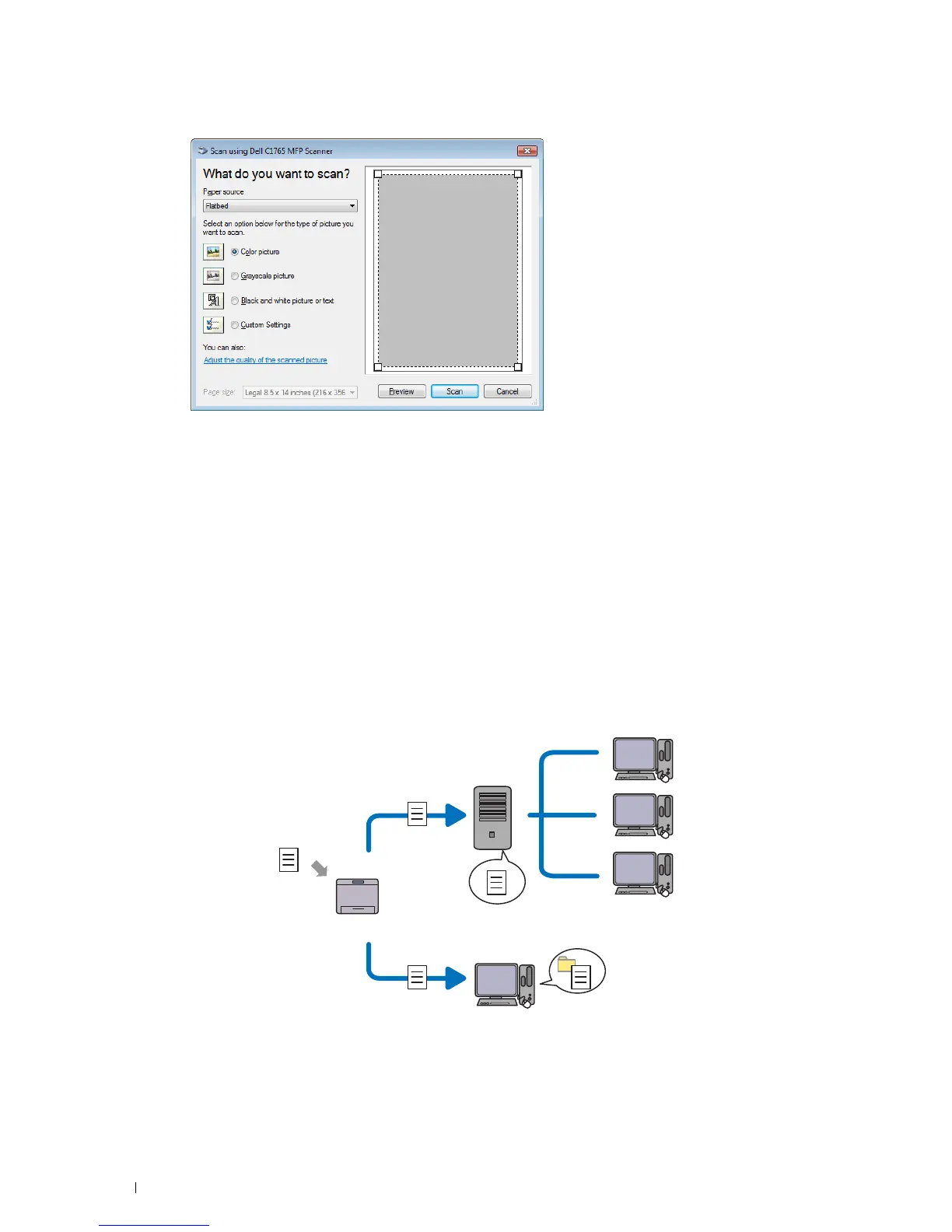
Select your scanning preferences and click
Adjust the quality of the scanned picture
to display the
Advanced Properties
dialog box.
5
Select the desired properties including brightness and contrast, and then click
OK
.
6
Click
Scan
to start scanning.
7
Click
Save As
from the
File
menu.
8
Enter a picture name, and select a file format and destination to save the picture.
Scanning to a PC or Server via SMB/FTP
Overview
The Scan to Network Folder feature allows you to scan documents and send the scanned document to a network
computer via the FTP or SMB protocol.
You can select the kind of server and specify a destination to store the scanned document with the
Dell Printer Configuration Web Tool or Address Book Editor.
The following items are required to use the Scan to Network Folder feature.
Scan
Using FTP
Using SMB
FTP Server
Computer
Computer



 To Next Page
 Loading...









