Setting Up Your Printer 47
7
Setting Up Your Printer
Setting Initial Settings on the Operator Panel
You need to set the printer language, country, clock date, and time when you turn on printer for the first time.
When you turn the printer on, the wizard screen to perform the initial setup appears on the operator panel. Follow
the steps below to set the initial settings.
NOTE: If you do not start configuring the initial settings, Ready to Copy appears on the operator panel in three minutes.
After that, you can set the following initial setup by enabling
Power On Wizard on the operator panel or Dell™ Printer
Configuration Web Tool if needed.
NOTE: For more information on operator panel, see "Understanding the Printer Menus" on page 163.
NOTE: For more information on Dell Printer Configuration Web Tool, see "Dell™ Printer Configuration Web Tool" on page 97.
1
Ensure that
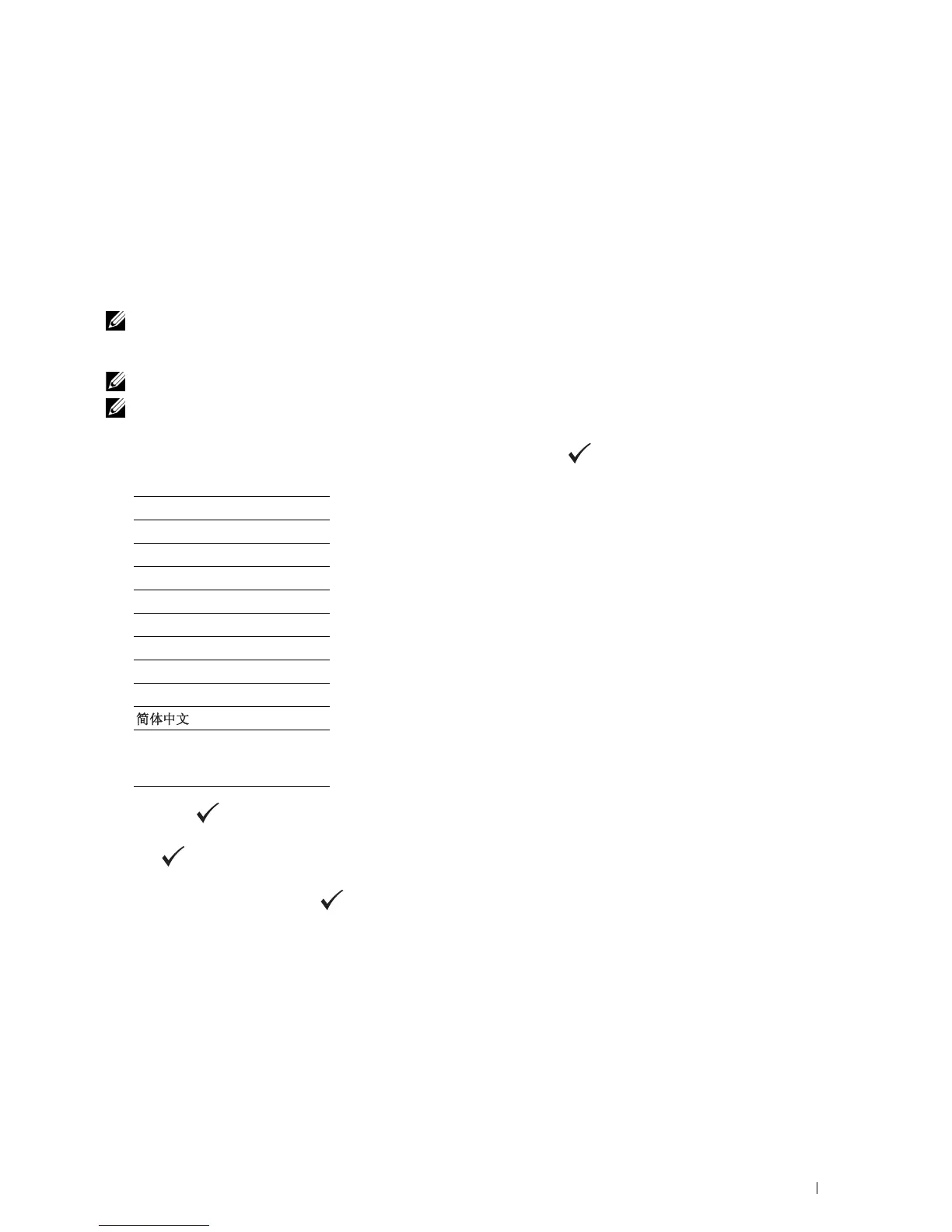
Please Select Language
appears, and then select the language you want to use on the
operator panel from the following drop-down list, and then press the
(set)
button.
2
Press the
(set)
button to start setting the country.
3
Ensure that
Please Select Country
appears. Select your country from the drop-down list, and then press
the
(set)
button.
4
Ensure that
Please Select Time Zone
appears. Select the appropriate time zone from the following drop-
down list, and then press the
(set)
button.
English
Français
Italiano
Deutsch
Español
Dansk
Nederlands
Norsk
Svenska
*1
*1
Dell C1765nf Color
Multifunction Printer
only



 To Next Page
 Loading...









