48
Loading Paper
6
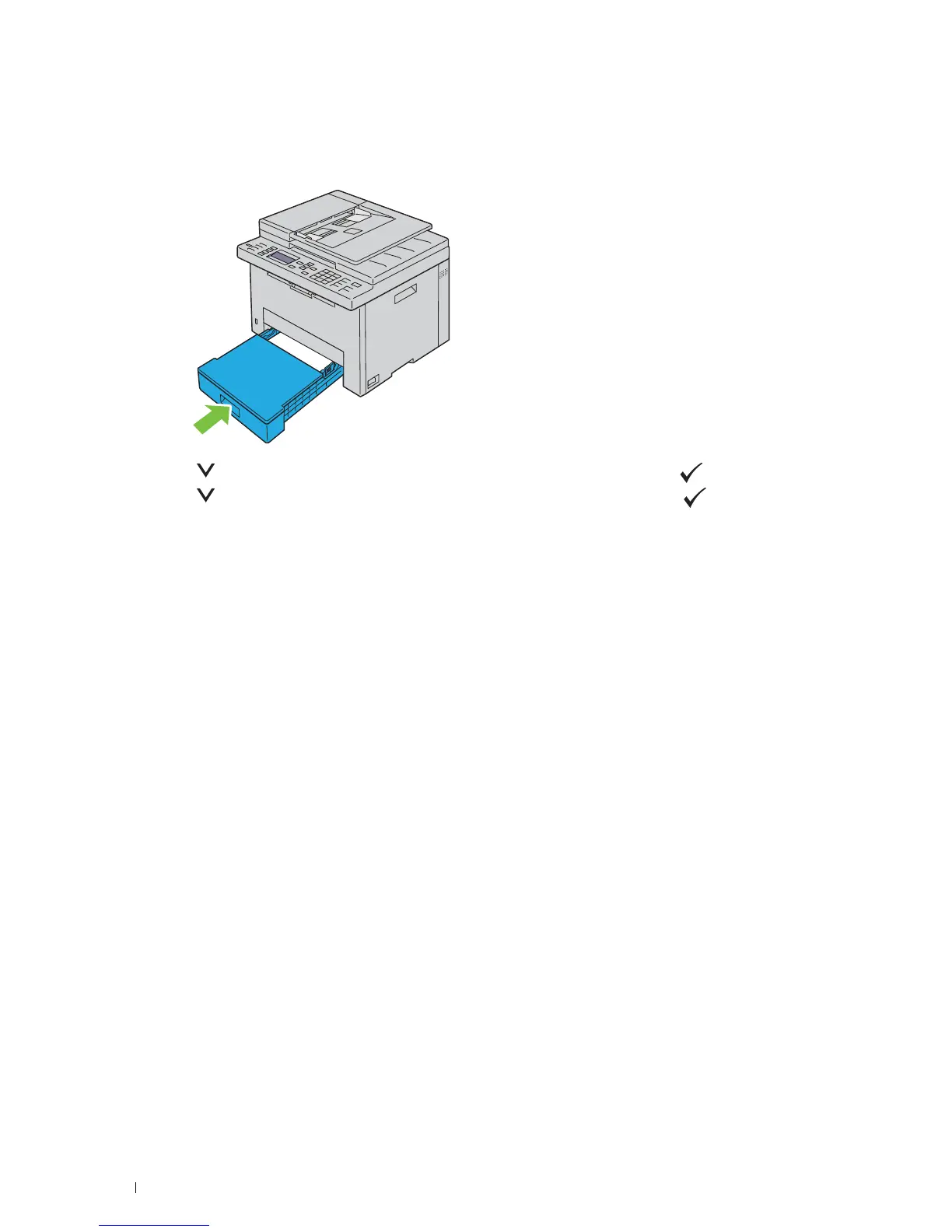
After confirming that the guides are adjusted and secured, close the dust cover and insert the tray into the printer.
Inserting back the tray displays the message on the LCD panel prompting you to specify the paper size in the tray.
7
Press the button until the appropriate paper size is highlighted, and then press the (
Set
) button.
8
Press the button until the appropriate paper type is highlighted, and then press the (
Set
) button.












 To Next Page