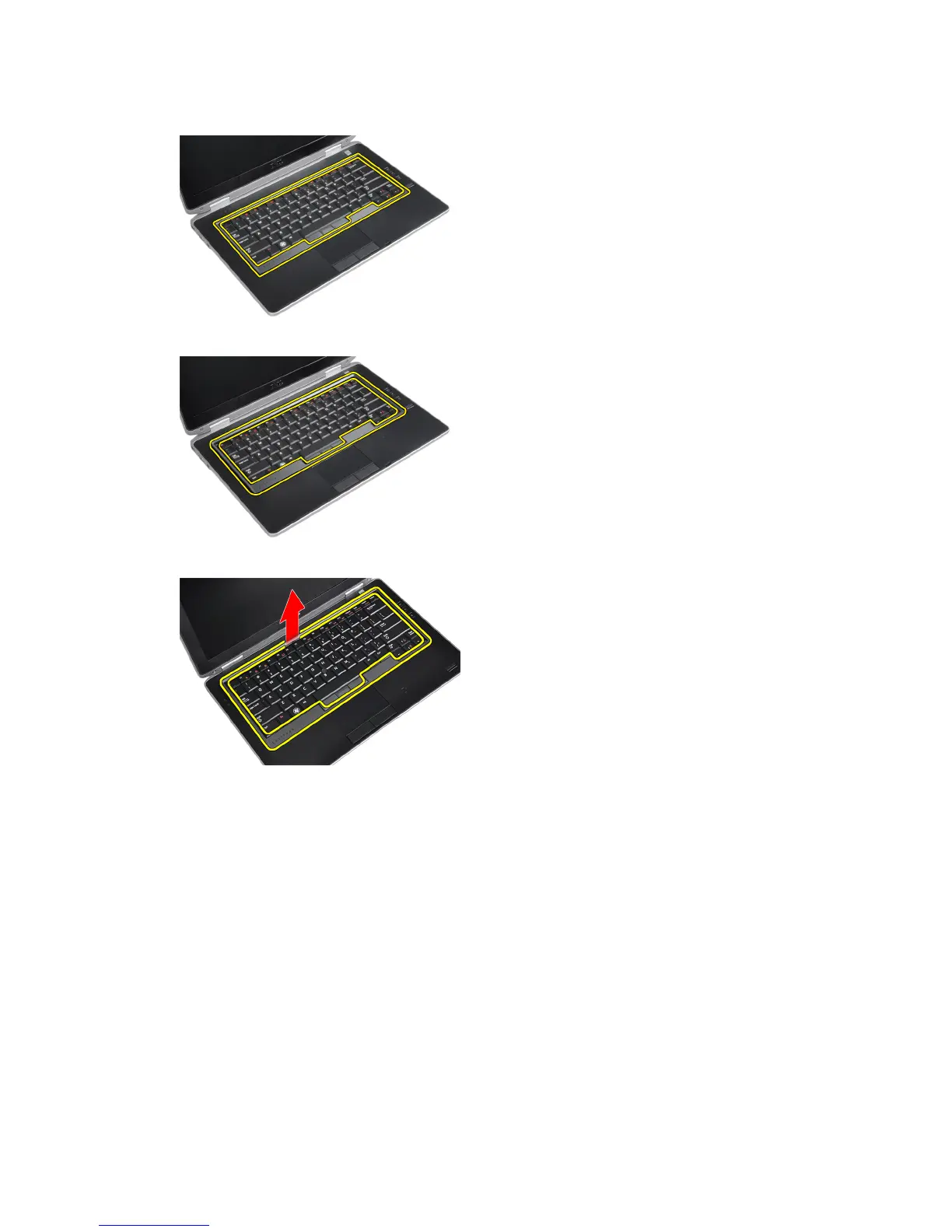
3. Using a plastic scribe, pry under the keyboard trim to release it from the computer.
4. Pry the keyboard trim along the sides and bottom.
5. Lift up to remove the keyboard trim from the unit.
Installing the Keyboard Trim
1. Align the keyboard trim to its slot.
2. Press along the sides of the keyboard trim until it clicks in place.
3. Install the battery.
4. Follow the procedures in
After Working Inside Your Computer.
Removing the Keyboard
1. Follow the procedures in
Before Working Inside Your Computer
.
2. Remove:
a) battery
b) keyboard trim
16















 To Next Page