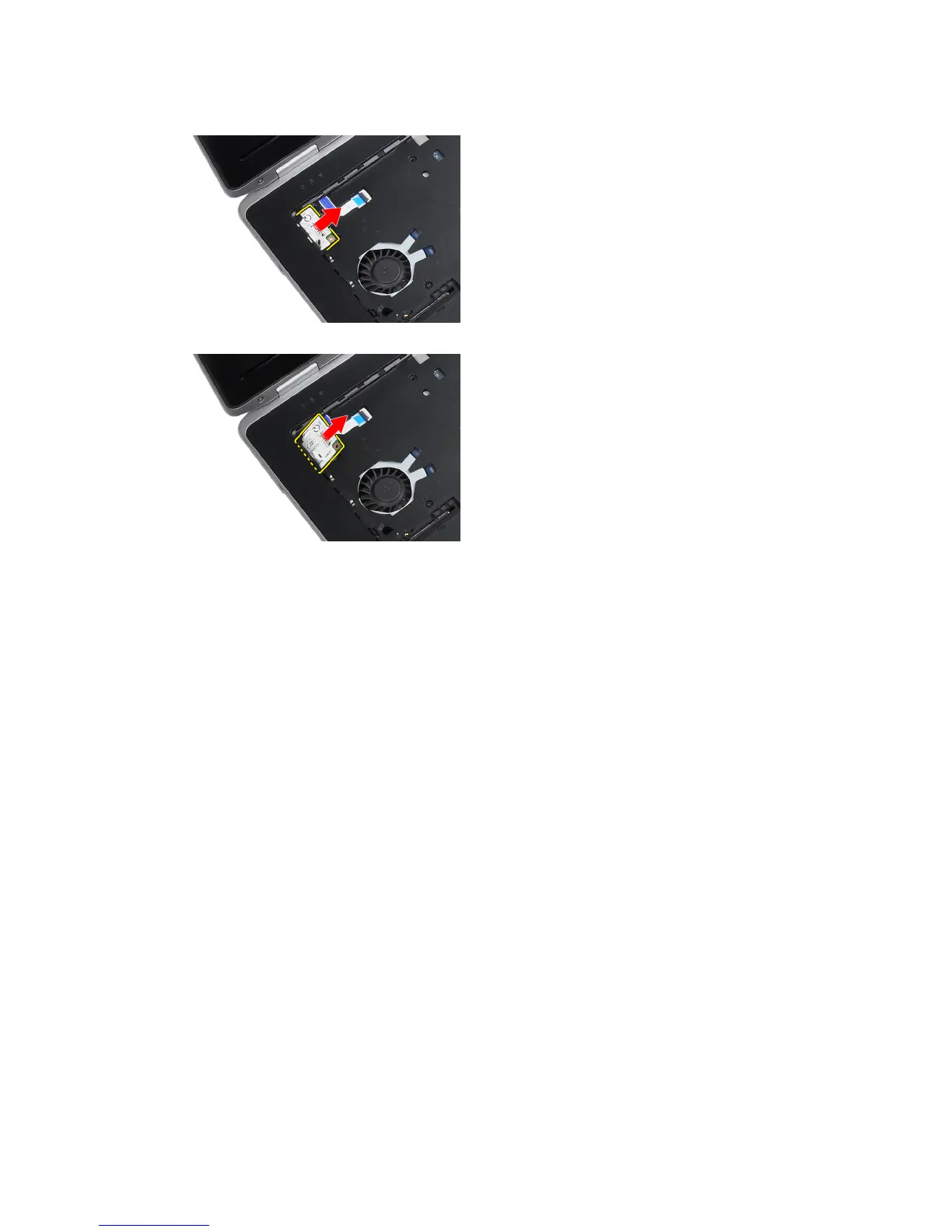
5. Use the tab and pull the lower right edge of the modem card from the slot.
6. Hold and remove the modem card from the computer.
Installing the Modem Card
1. Insert the modem card in its slot
2. Ensure that the modem card is seated.
3. Tighten the screw to secure the modem card.
4. Install:
a) keyboard
b) keyboard trim
c) base cover
d) battery
5. Follow the procedures in
After Working Inside Your Computer
.
36















 To Next Page