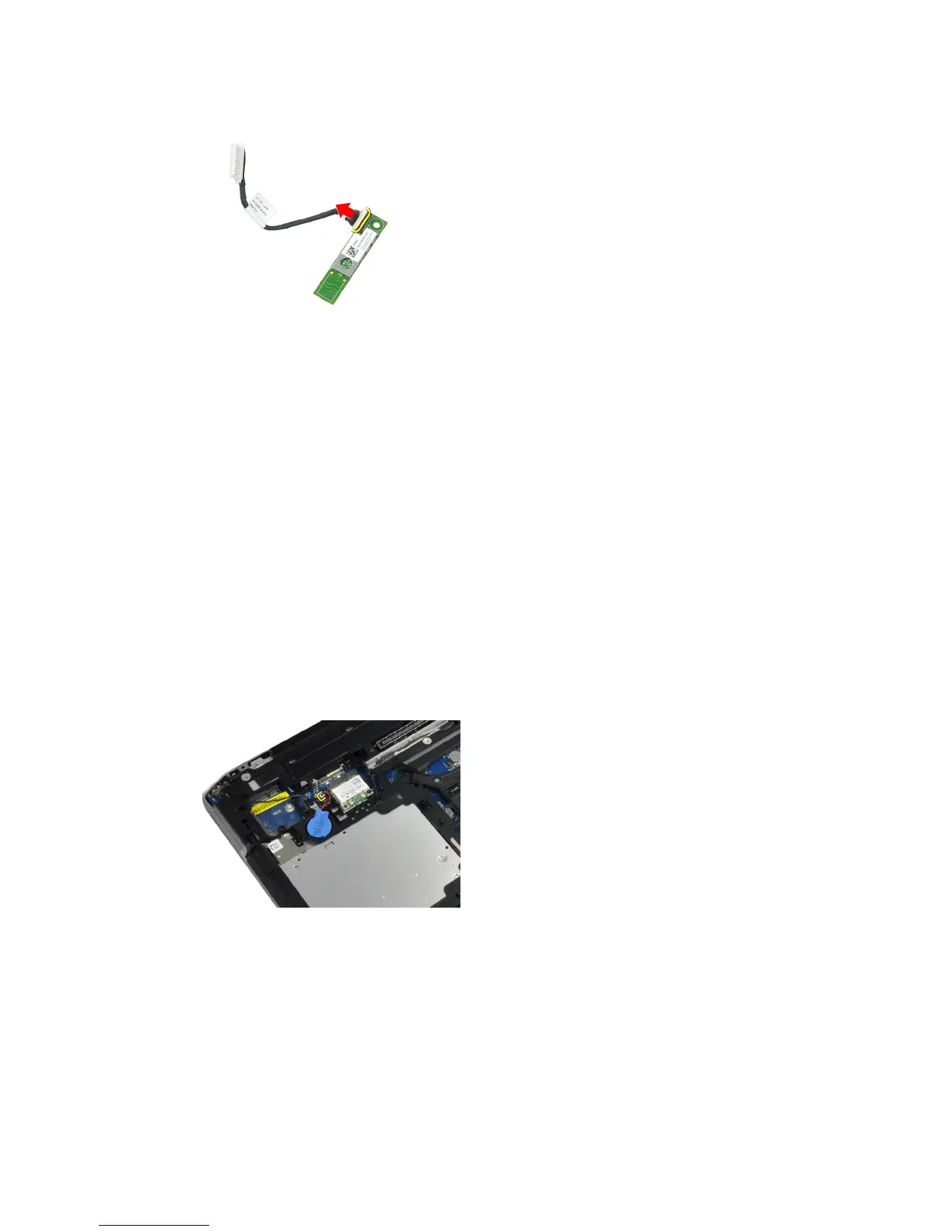
6. Disconnect the cable from the bluetooth card.
Installing the Bluetooth Card
1. Connect the bluetooth cable to the bluetooth card.
2. Place the bluetooth card in its slot.
3. Ensure that it is secured in its slot by tightening the screw.
4. Install:
a) base cover
b) hard drive
c) battery
5. Follow the procedures in
After Working Inside Your Computer
.
Removing the Coin-Cell Battery
1. Follow the procedures in
Before Working Inside Your Computer
.
2. Remove:
a) battery
b) base cover
3. Disconnect the coin-cell battery cable.
28















 To Next Page