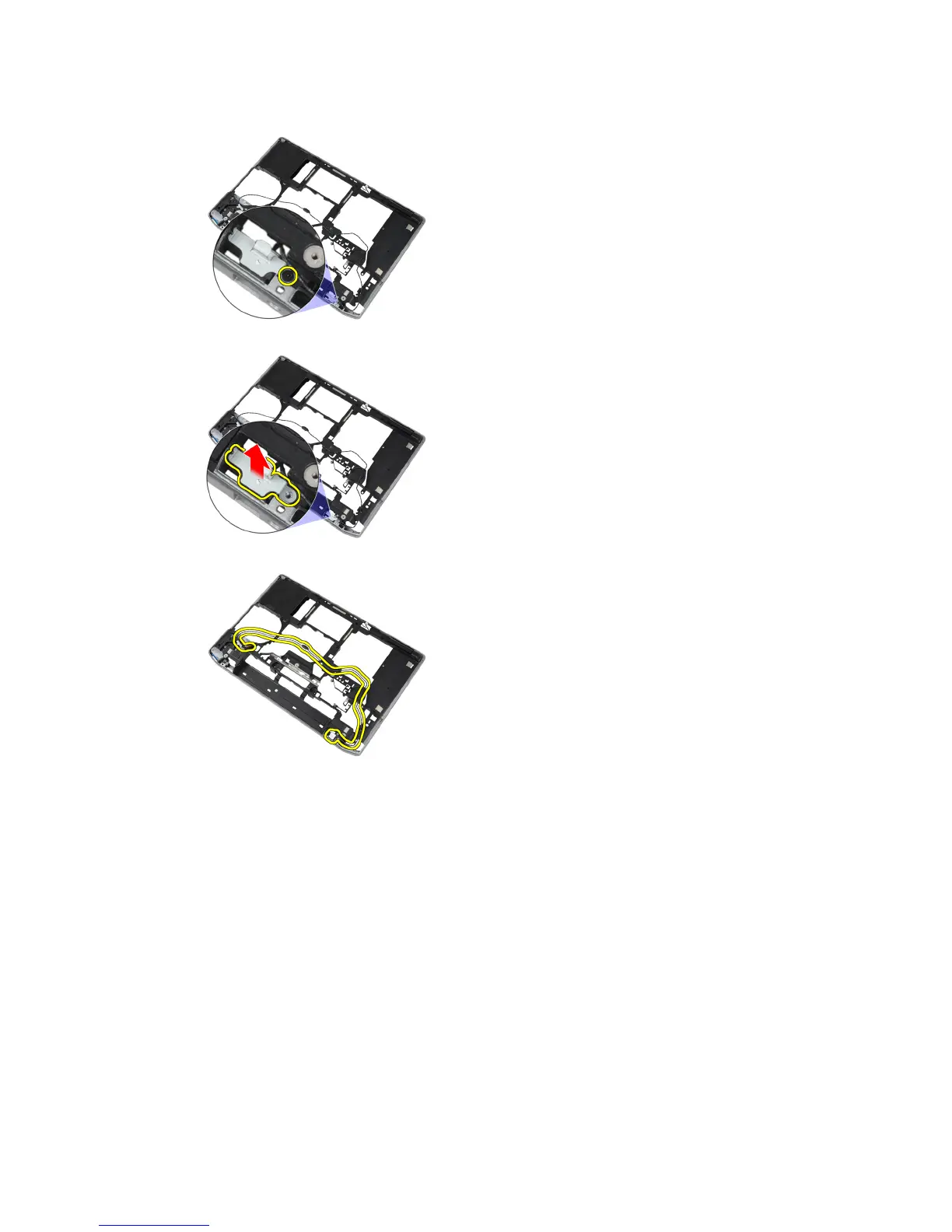
5. Remove the screw that secures the modem-connector bracket to the computer.
6. Remove the modem-connector bracket from the computer.
7. Remove the modem connector from the computer.
Installing the Modem Connector
1. Place the modem connector in its compartment.
2. Place the modem-connector bracket on the connector.
3. Tighten the screw to secure the modem-connector bracket.
4. Route the modem connector cable.
5. Connect the modem-card cable to the modem card.
38















 To Next Page