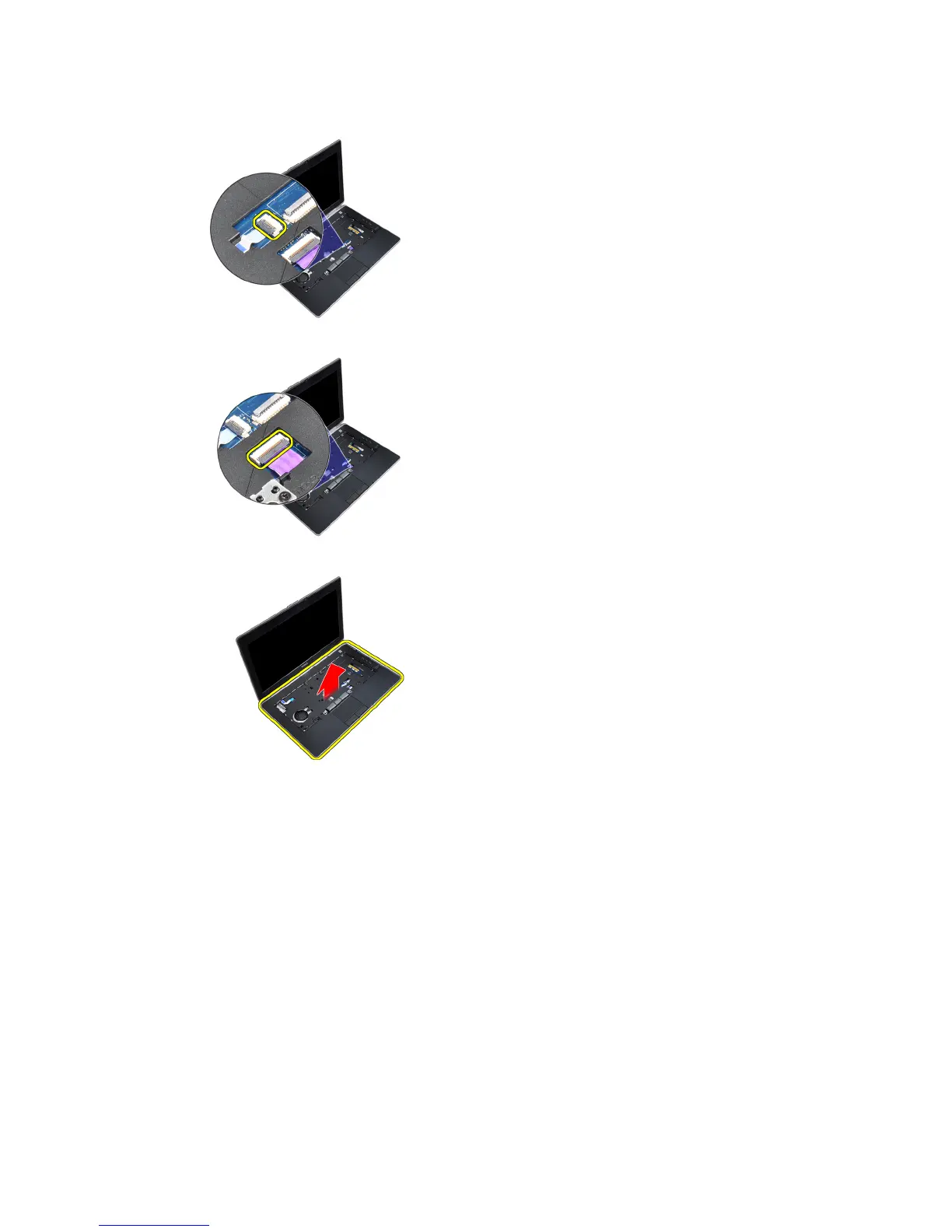
6. Disconnect the touchpad cable from the system board.
7. Disconnect the SD card cable from the system board.
8. Lift and remove the palmrest from the computer.
Installing the Palmrest
1. Align the palmrest assembly to its original position in the computer and snap it into place.
2. Connect the following cables:
a) SD card
b) touchpad
c) LED
3. Tighten the screws to secure the palmrest to the computer.
43















 To Next Page