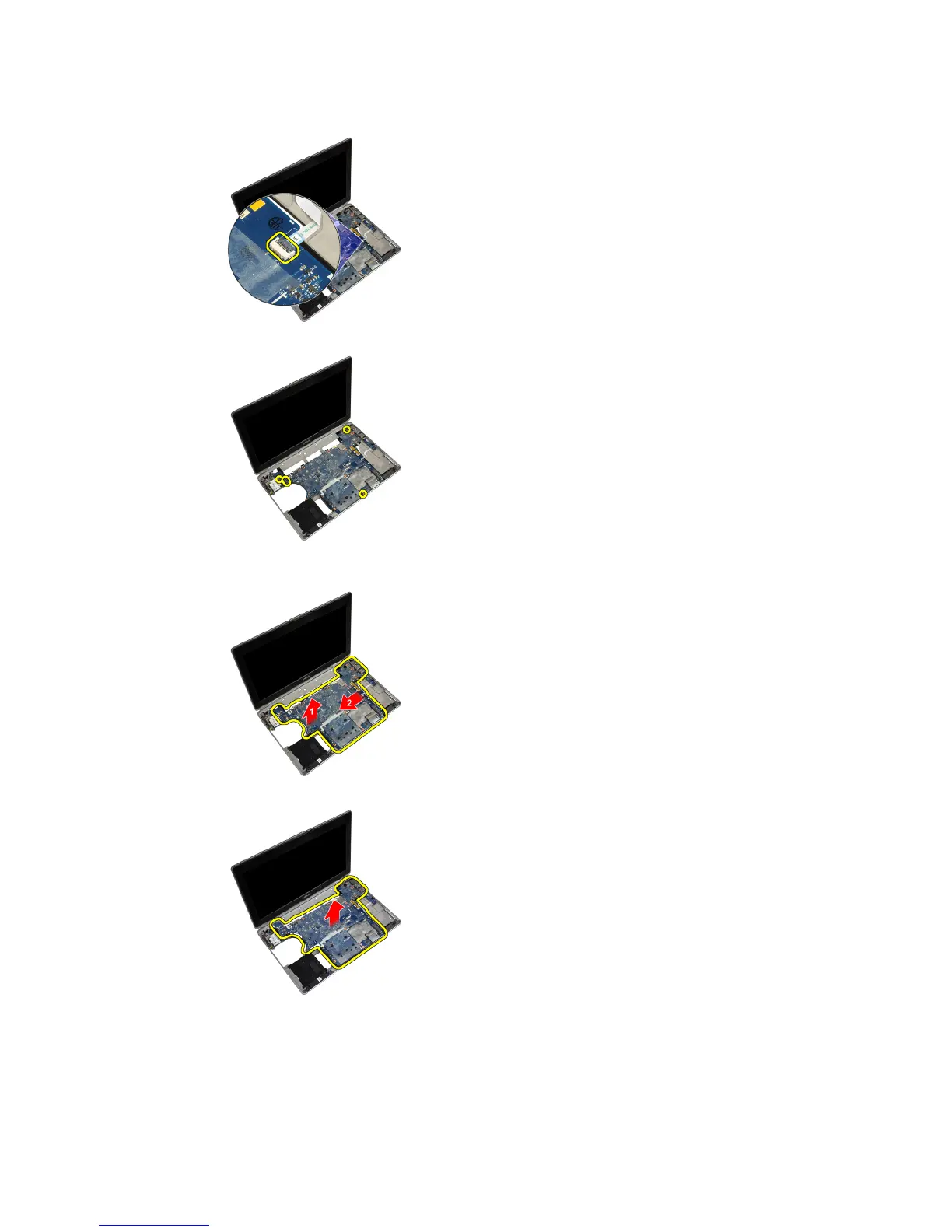
9. Flip the system over and disconnect the media board cable from the system board.
10. Remove the screws that secure the system board to the computer.
11. Gently lift the left edge of the system board assembly and raise it to a 45–degree angle and release the system
board from the port connectors on the right.
12. Release the system board from the connector port on the back and remove the system board from the system.
46















 To Next Page