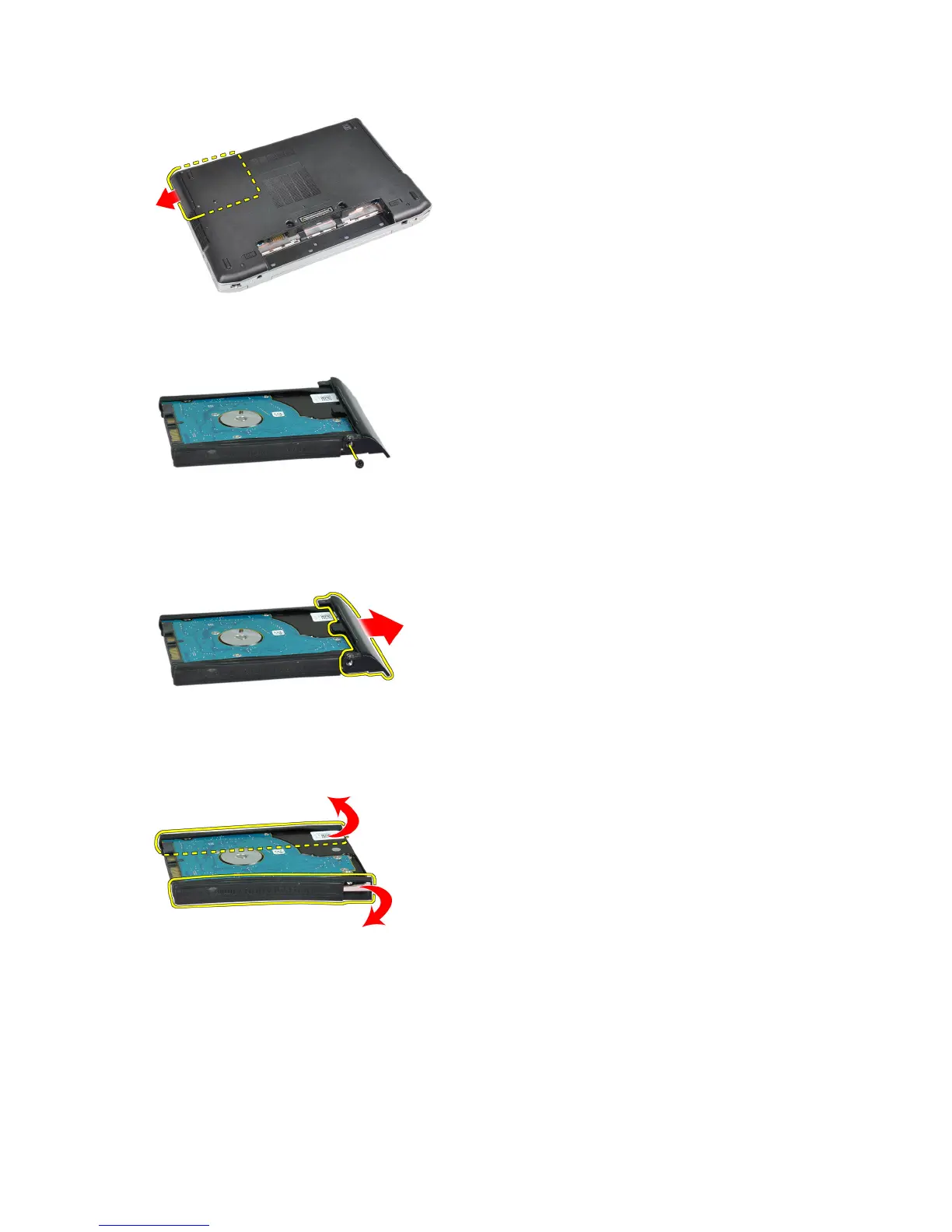
5. Remove the screw that secures the hard-drive caddy to the hard drive.
6. Remove the hard-drive caddy from the hard drive.
7. Remove the hard-drive isolation from the hard drive.
Installing the Hard Drive
1. Install the hard-drive isolation on the hard drive.
2. Attach the hard-drive caddy to the hard drive.
18















 To Next Page