3. Tighten the screws on both corners to secure the display assembly.
4. Route the antenna and the LVDS cables through the routing channel.
5. Connect the following cables to the computer:
a) LVDS
b) camera
6. Connect the LVDS support bracket in its position on the computer.
7. Tighten the screw to secure the support bracket to the computer.
8. Install:
a) base cover
b) battery
9. Follow the procedures in
After Working Inside Your Computer
.
Removing the Display-Hinge Caps
1. Follow the procedures in
Before Working Inside Your Computer
.
2. Remove:
a) battery
b) base cover
c) hard drive
d) bluetooth card
e) keyboard trim
f) keyboard
g) display assembly
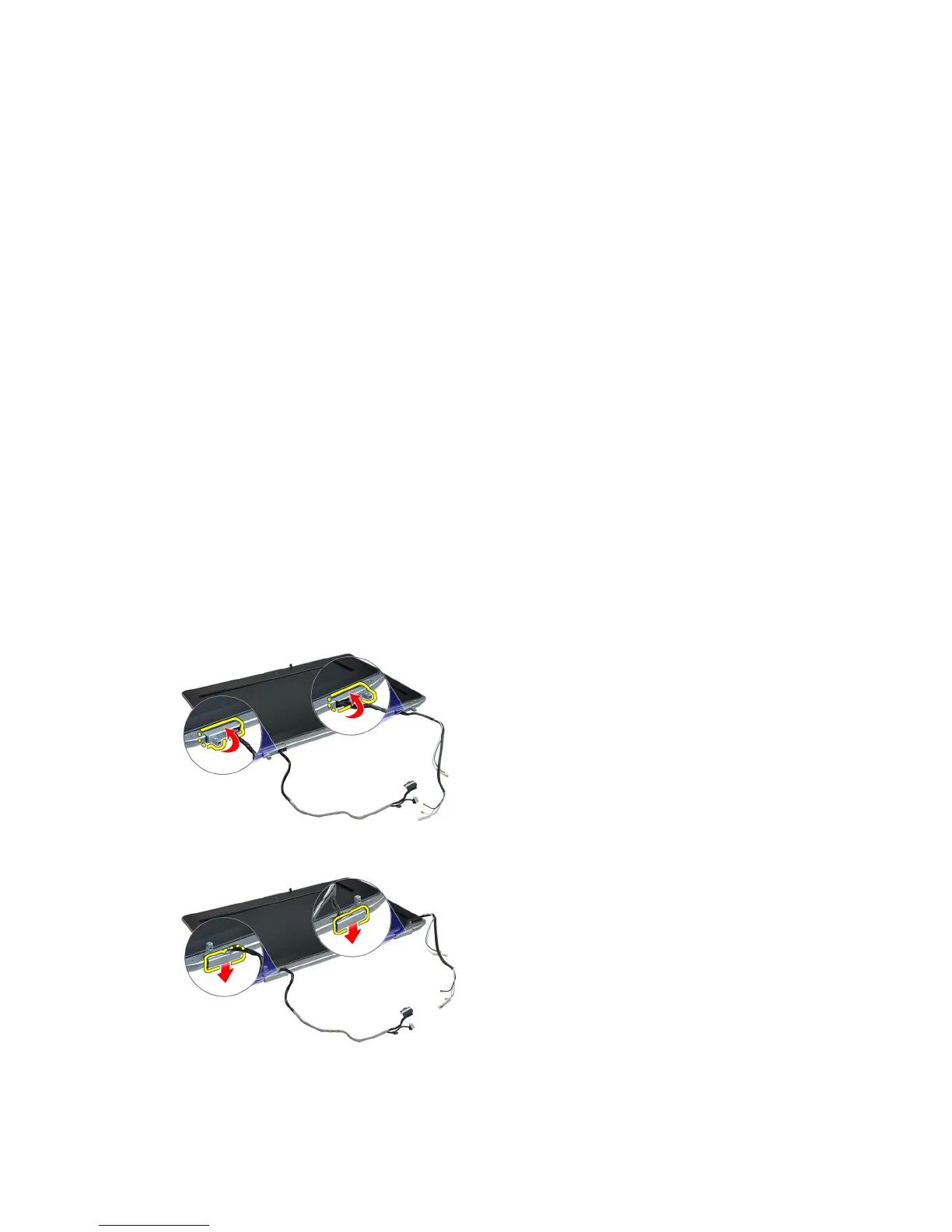
3. Rotate the left and right hinges upwards to a vertical position.
4. Pry loose the edge of hinge cap from the hinge and remove the hinge caps from the display assembly.
53















 To Next Page