2.
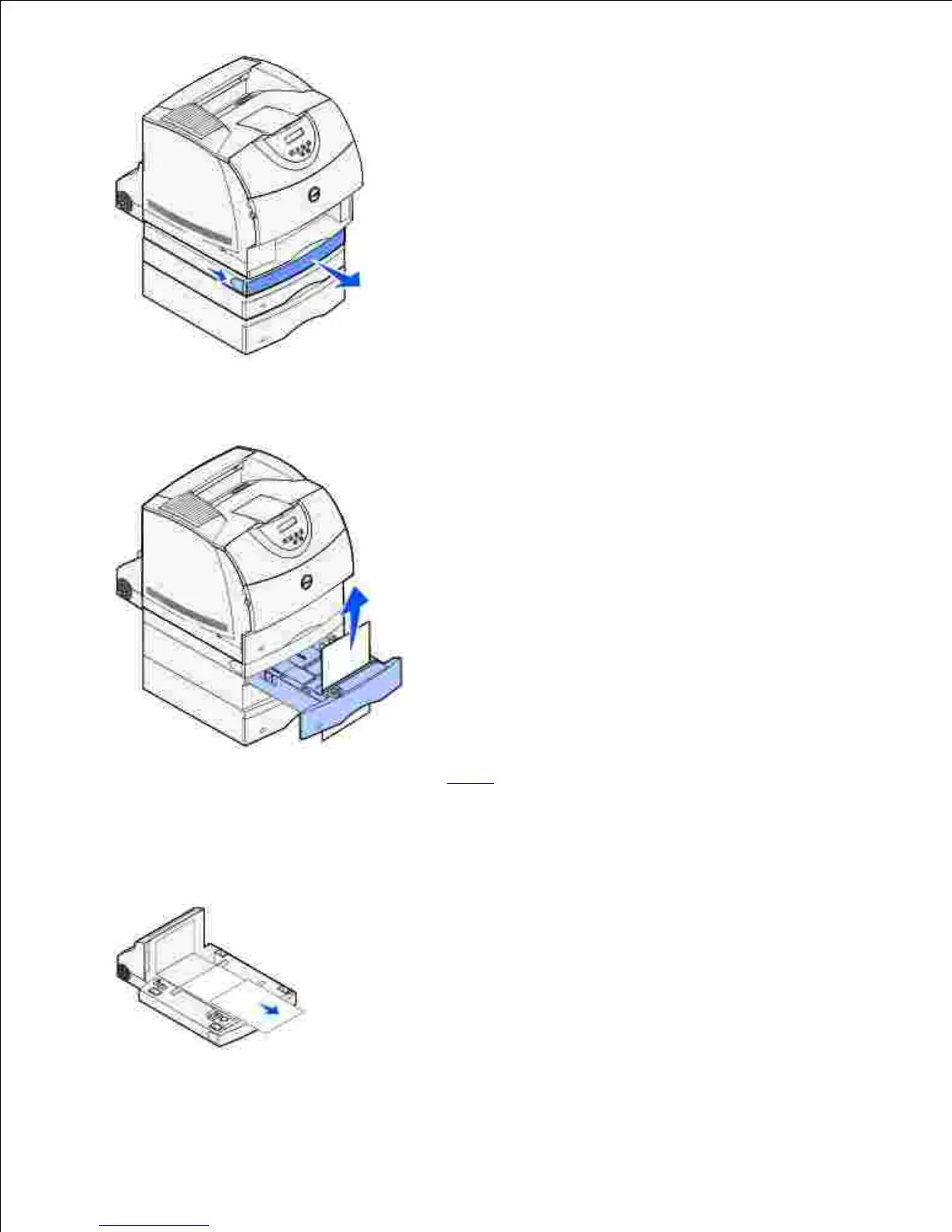
If the edge of the print media is visible, pull the print media straight up and out.3.
If the print media is not visible, continue with step 4. Otherwise, close the duplex front access cover.
Slide the standard tray out.4.
Remove any sheets of print media lying in the duplex front access cover.5.
Hold the duplex front access cover level while you slide it back into the duplex unit. Make sure it snaps6.
7.













 To Next Page