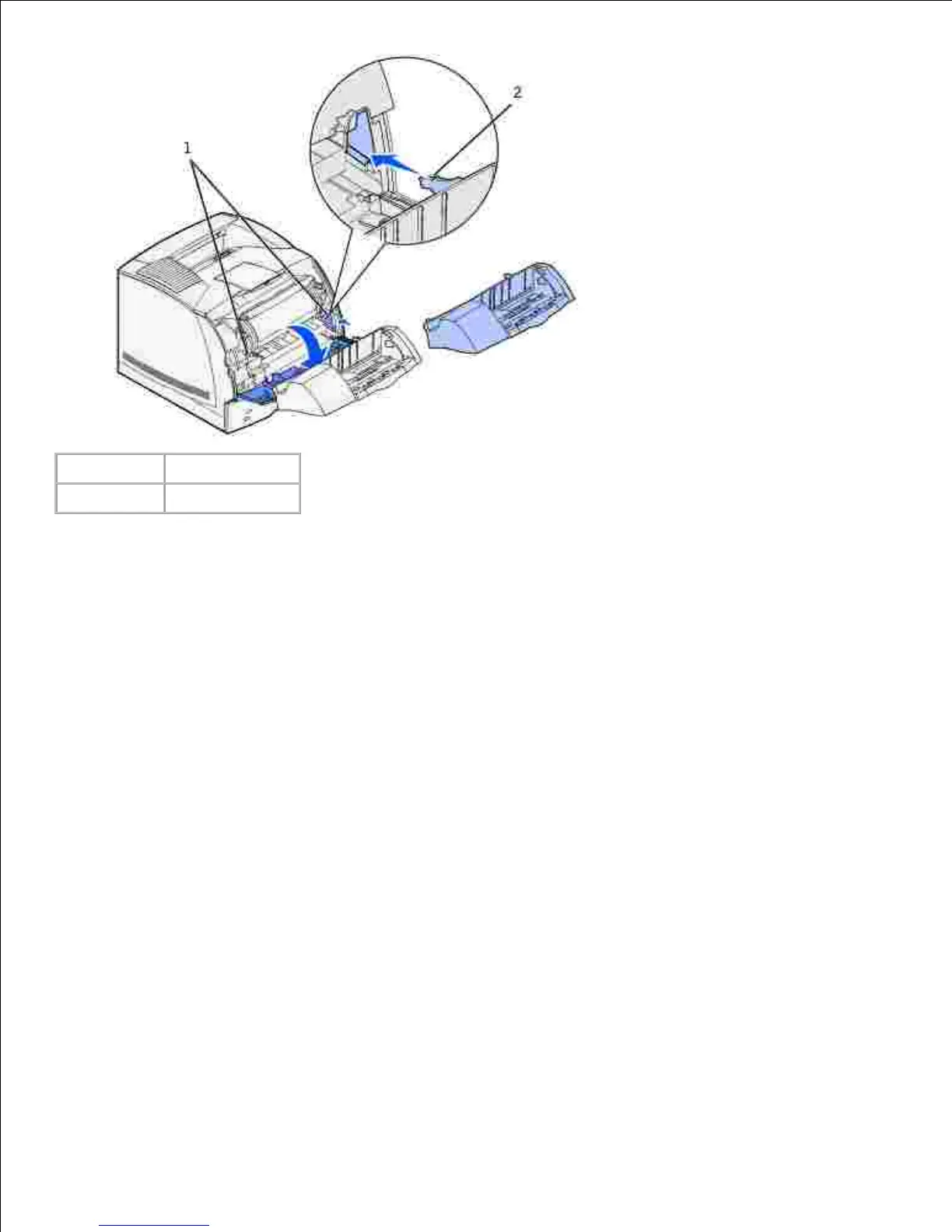
Print a menu settings page to verify the envelope feeder is installed properly.
Turn the printer on.a.
Press the Menu button on the printer until you see Utilities Menu, and then press Select.b.
Press Menu until you see Print Menus, and then press Select to print the page. The message
Printing Menus appears on the display.
c.
Verify the envelope feeder is listed under "Installed Features."d.
If it is not listed, turn the printer off, unplug the power cord, and reinstall the envelope feeder.e.
4.
Update your driver by following the instructions in the table. If the printer is on the network, update
the driver for each client.
5.













 To Next Page