Identifier GUID-1FB16E7C-AF0C-4FA0-8736-EAD91D8969A8
Status Released
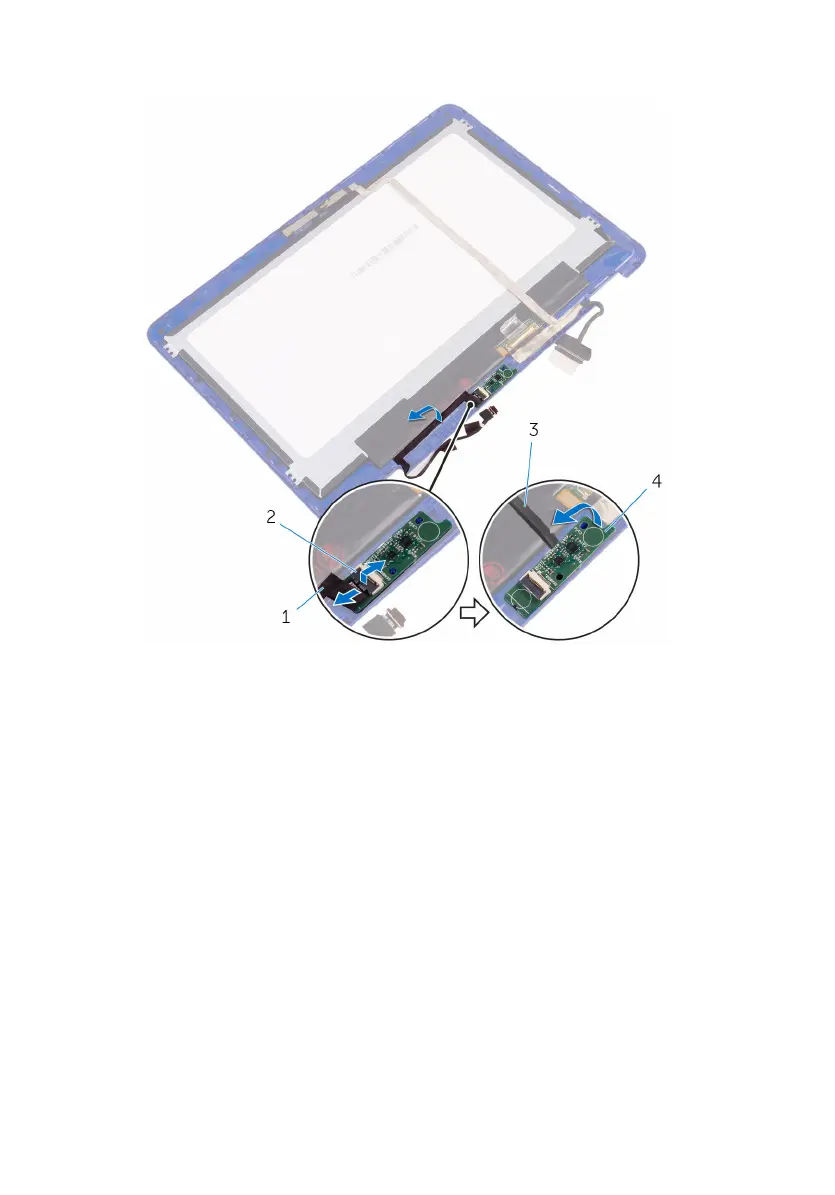
Removing the camera
WARNING: Before working inside your computer, read the safety
information that shipped with your computer and follow the steps in Before
working inside your computer. After working inside your computer, follow
the instructions in After working inside your computer. For more safety best
practices, see the Regulatory Compliance home page at www.dell.com/
regulatory_compliance.
Identifier GUID-C011AF61-CDEA-42AF-8288-AEF64991A145
Status Released
Prerequisites
1 Remove the base cover.
2 Remove the battery.
3 Remove the wireless card.
4 Remove the display assembly.
5 Remove the display panel.
86



 To Next Page