Adding and Replacing Parts 139
FILE LOCATION: C:\Projects\Spears\SpearsHTML\parts.fm
DELL CONFIDENTIAL – PRELIMINARY 7/18/07 - FOR PROOF ONLY
Replacing the Hard Drive
1
Remove the new drive from its packaging.
Save the original packaging for storing or shipping the hard drive.
NOTICE: Use firm and even pressure to slide the drive into place. If you use
excessive force, you may damage the connector.
2
Slide the hard drive into the bay until it is fully seated.
3
Replace and tighten the two screws.
4
Install the operating system for your computer, as needed (see "Restoring
Your Operating System" on page 131).
5
Install the drivers and utilities for your computer, as needed (see
"Reinstalling Drivers and Utilities" on page 128).
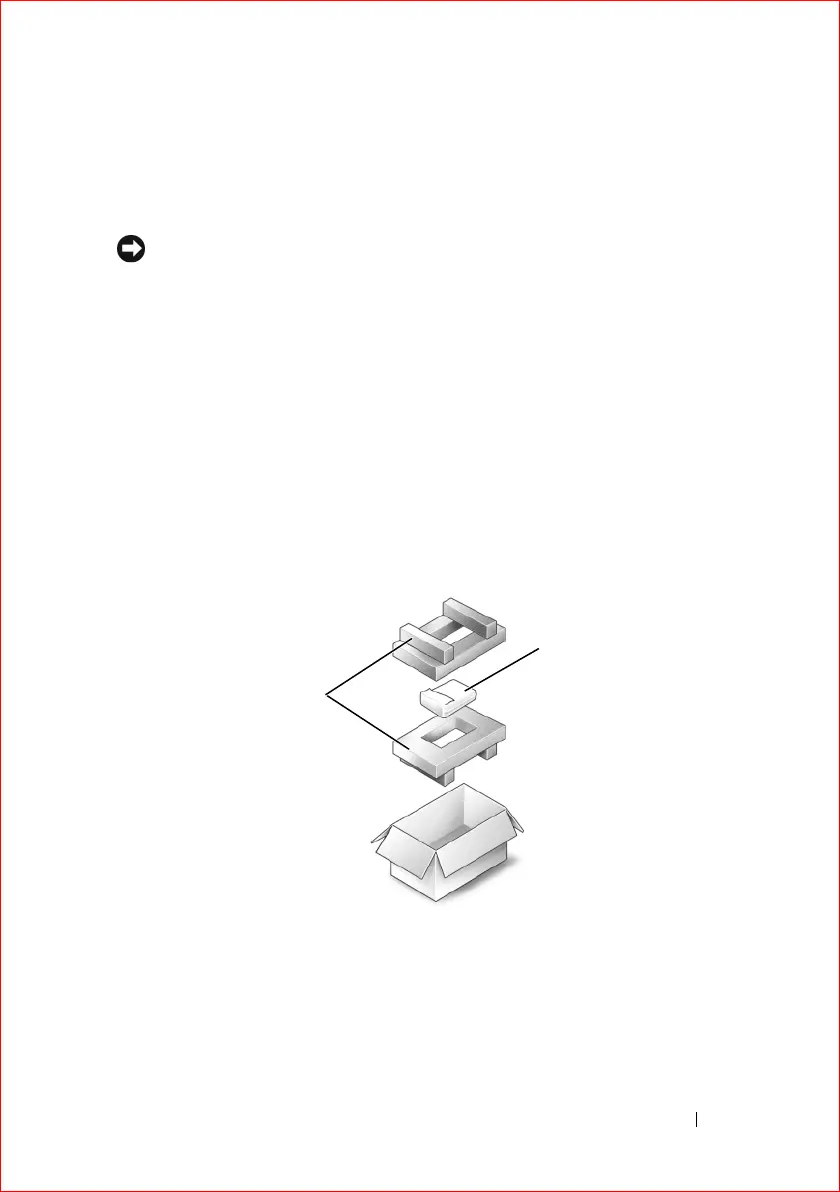
Returning a Hard Drive to Dell
Return your old hard drive to Dell in its original, or comparable, foam
packaging. Otherwise, the hard drive may be damaged in transit.
1 foam packaging 2 hard drive
2
1













 To Next Page