Using Multimedia 51
Using Multimedia
Playing Media
NOTICE: Do not press down on the optical drive tray when you open or close it.
Keep the tray closed when you are not using the drive.
NOTICE: Do not move the computer while playing media.
NOTE: To prevent vibration and noise do not stick any additional labels or stickers
on the media.
1
Press the eject button on the front of the drive.
2
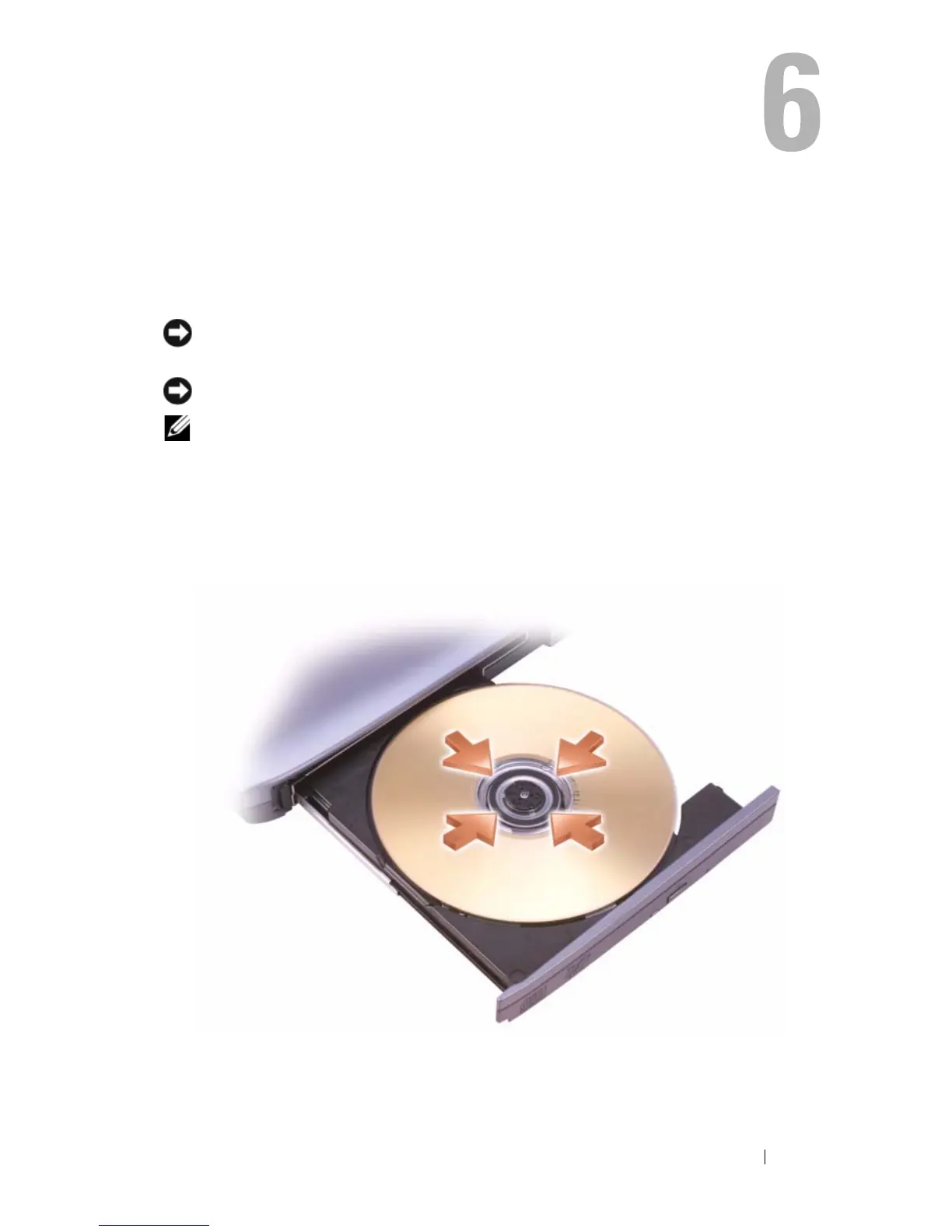
Place the disc, label side up, in the center of the tray and snap the disc
onto the spindle.
3
Push the tray back into the drive.













 To Next Page