30 About Your Computer
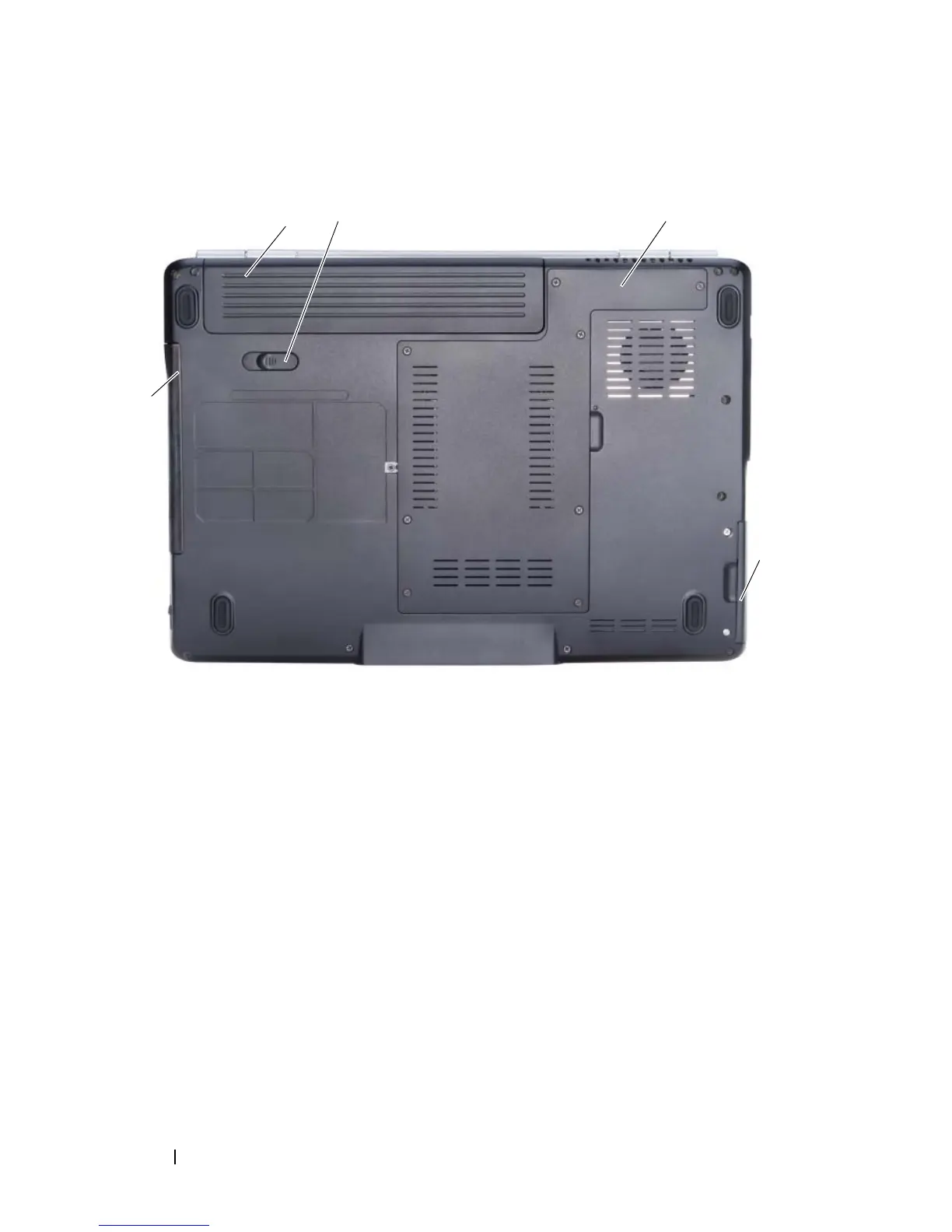
Bottom View
BATTERY — When a battery is installed, you can use the computer without
connecting the computer to an electrical outlet (see "Using a Battery" on page 45).
BATTERY RELEASE LATCH —Releases the battery (see "Replacing the Battery" on
page 49 for instructions).
P
ROCESSOR/MEMORY MODULE/MINI-CARD COMPARTMENT — Compartment that
contains the memory modules, WLAN, WWAN, Ultra Wideband (UWB) cards or
Flash Cache Module (FCM) (see "Wireless Mini-Cards" on page 148).
H
ARD DRIVE — Stores software and data.
OPTICAL DRIVE — For more information about the optical drive, see "Using
Multimedia" on page 51.
1 battery 2 battery release latch
3 processor/memory module/mini-card
compartment
4 hard drive
5 optical drive
2 3
4
5
1













 To Next Page