Using Multimedia 61
When you finish connecting the video and audio cables between your
computer and your TV, you must enable your computer to work with the TV.
See "Enabling the Display Settings for a TV" on page 75 to ensure that the
computer recognizes and works properly with the TV. Additionally, if you are
using S/PDIF digital audio, see "Enabling S/PDIF Digital Audio" on page 74.
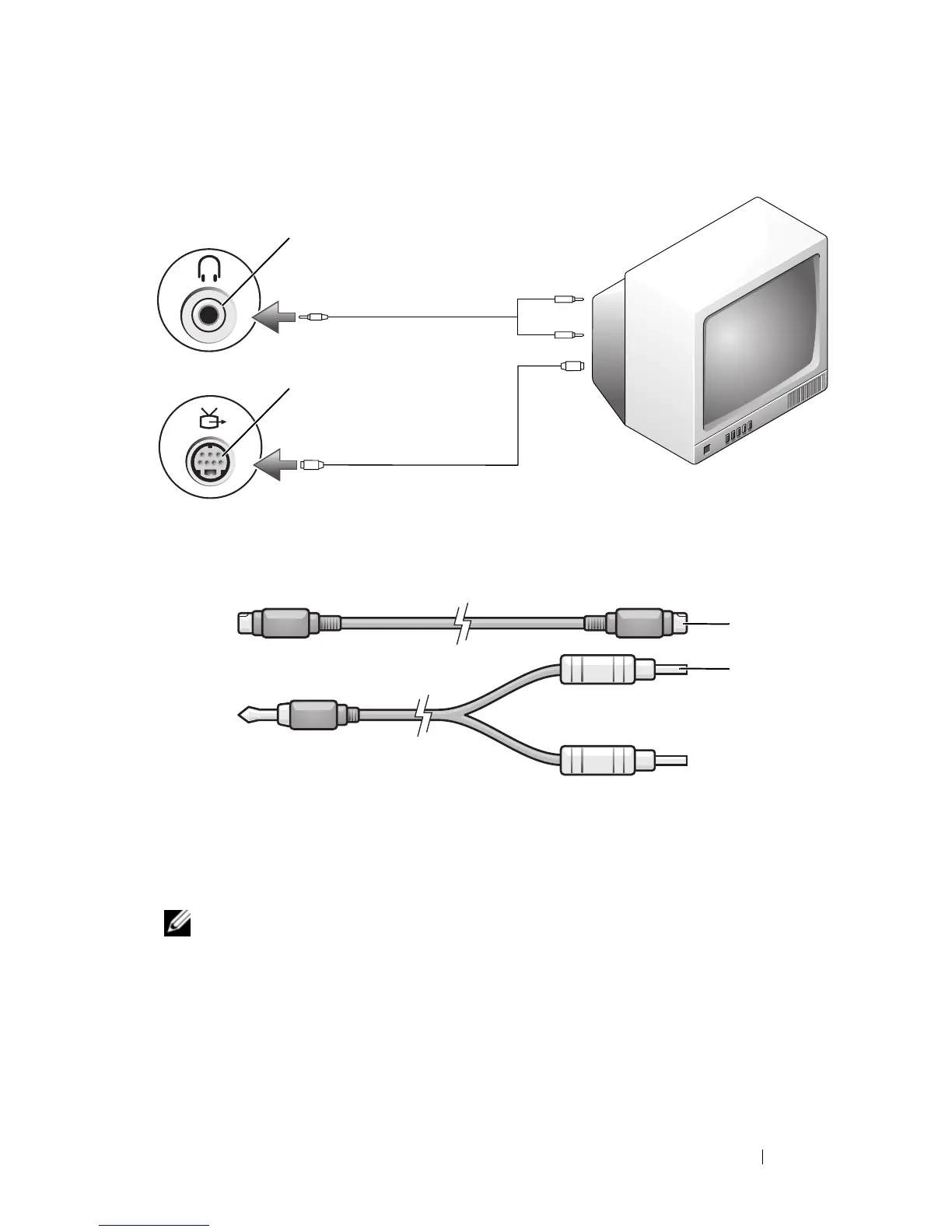
S-Video and Standard Audio
1
Turn off the computer and the TV and/or audio device that you want to
connect.
1 audio connector 2 S-video TV-out connector
1 standard S-video cable 2 standard audio cable
1
2
1
2













 To Next Page