Using Multimedia 53
Playing Media Using Dell Travel
Remote (Optional)
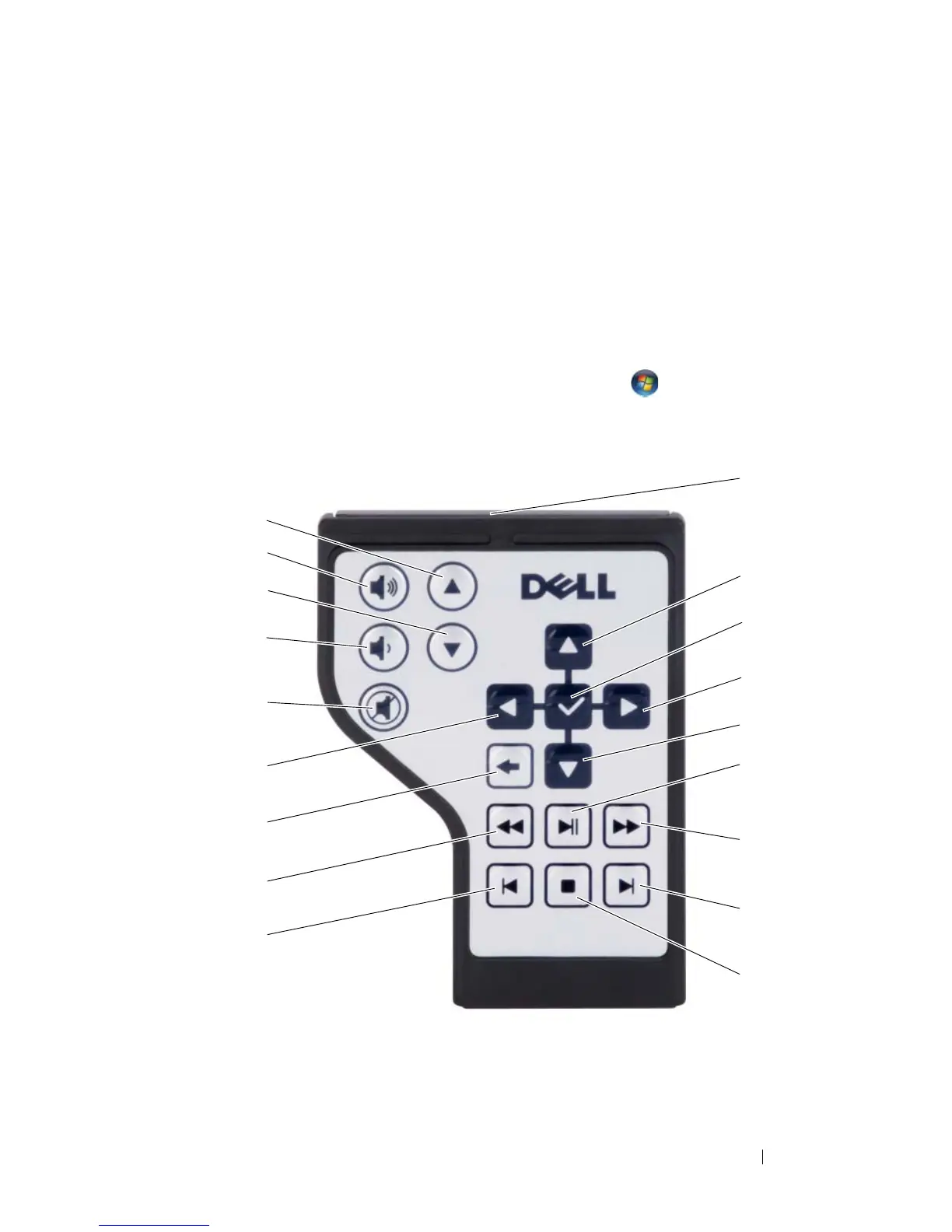
The Dell Travel Remote is designed to control Dell Media Direct and
Windows Vista Media Center. It can work only with specified computers. For
more details, refer to the Dell Support website at support.dell.com.
To play media using Dell Travel Remote:
1
Install a coin-cell battery into your remote control.
2
Launch Windows Vista
™
Media Center from
Start
→
Programs
.
3
Use the remote control buttons to play media.
1
2
3
4
5
6
7
8
9
14
13
12
11
10
17
15
18
16













 To Next Page