148 Adding and Replacing Parts
FILE LOCATION: C:\Projects\Spears\SpearsHTML\parts.fm
DELL CONFIDENTIAL – PRELIMINARY 7/18/07 - FOR PROOF ONLY
NOTE: Only GSM (HSDPA) type cards need a SIM. EVDO cards do not use a SIM.
1
Follow the procedures in "Before You Begin" on page 135.
2
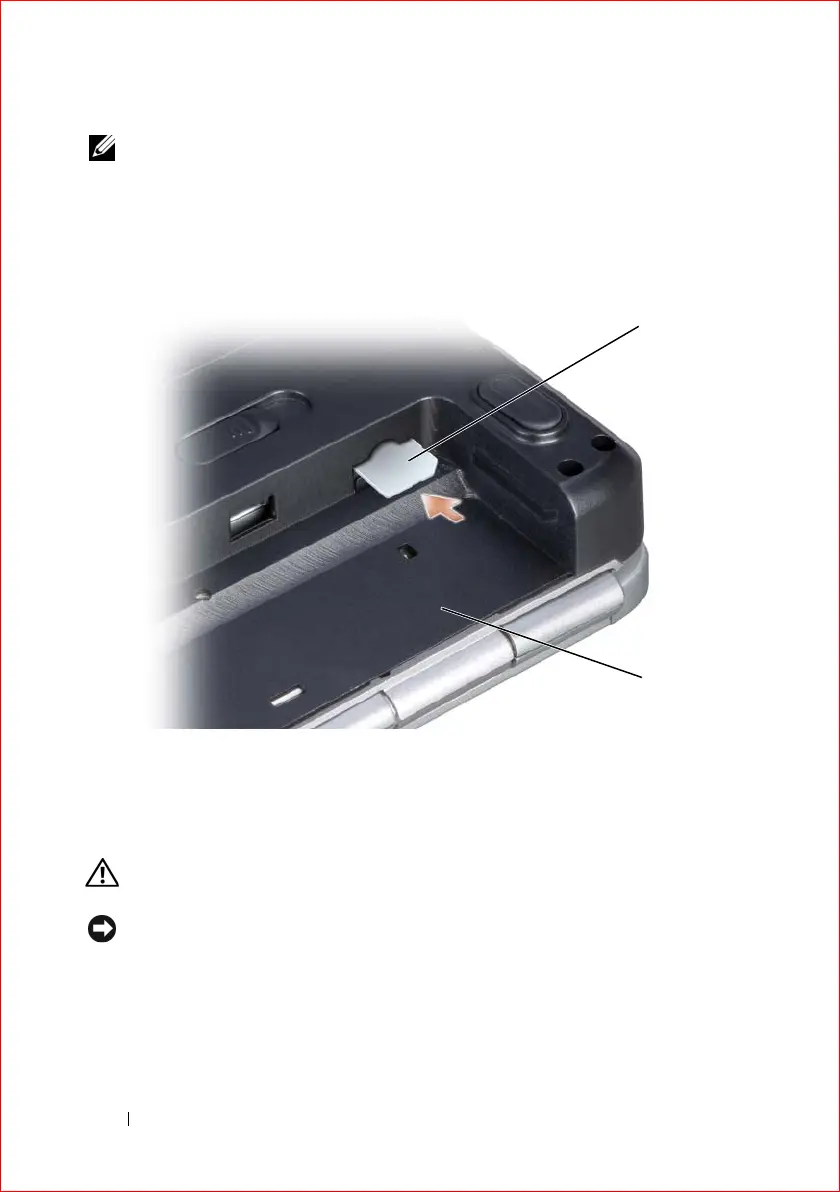
In the battery bay, slide the SIM into the compartment with the cut-off
corner of the card facing away from the compartment.
Wireless Mini-Cards
CAUTION: Before you begin any of the procedures in this section, follow the
safety instructions in the Product Information Guide.
NOTICE: To help prevent damage to the system board, you must remove the battery
from the battery bay before you begin working inside the computer.
If you ordered a wireless Mini-Card with your computer, the card is already
installed. Your computer supports three types of wireless Mini-Cards:
• Wireless Local Area Network (WLAN)
1 SIM 2 battery bay
1
2













 To Next Page