About Your Computer 29
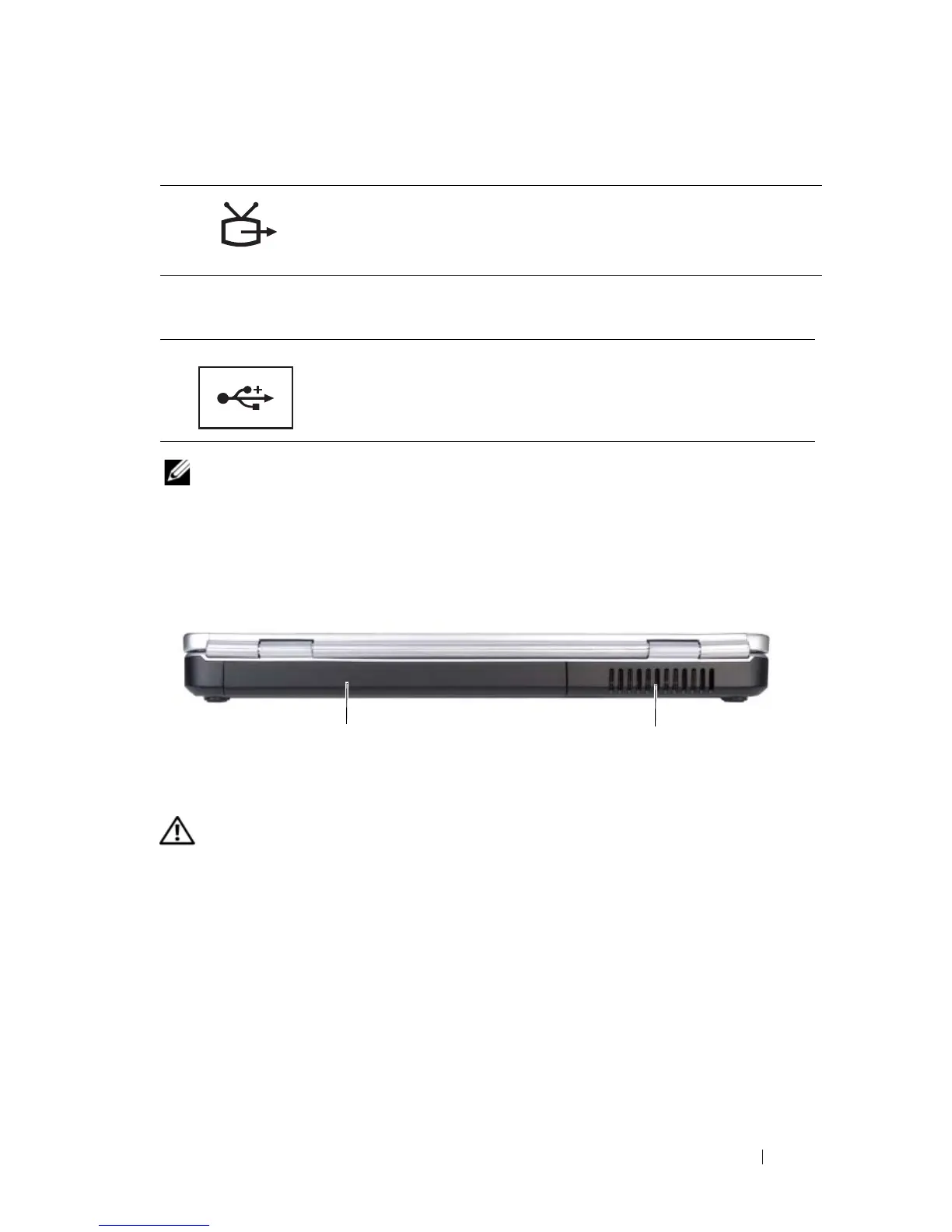
S-VIDEO TV-OUT CONNECTOR
USB CONNECTORS
NOTE: Your computer may have one or two USB connectors depending on what you
ordered.
Back View
CAUTION: Do not block, push objects into, or allow dust to accumulate in the air
vents. Do not store your computer in a low-airflow environment, such as a closed
briefcase, while it is running. Restricting the airflow can damage the computer or
cause a fire.
AIR VENTS — The computer uses an internal fan to create airflow through the vents,
which prevents the computer from overheating. The computer turns the fan on when
the computer gets hot. Fan noise is normal and does not indicate a problem with the
fan or the computer.
Connects your computer to a TV. Also connects digital
audio-capable devices using the TV/digital audio
adapter cable.
Connect USB devices, such as a mouse, keyboard, or
printer.
1 battery 2 air vents
2
1













 To Next Page