28 About Your Computer
EXPRESSCARD SLOT — Supports one ExpressCard. The computer ships with a
plastic blank installed in the slot. For more information, see "Using Cards" on page 85.
OPTICAL DRIVE — For more information about the optical drive, see "Using
Multimedia" on page 55.
EJECT BUTTON — Press the eject button to open the optical drive.
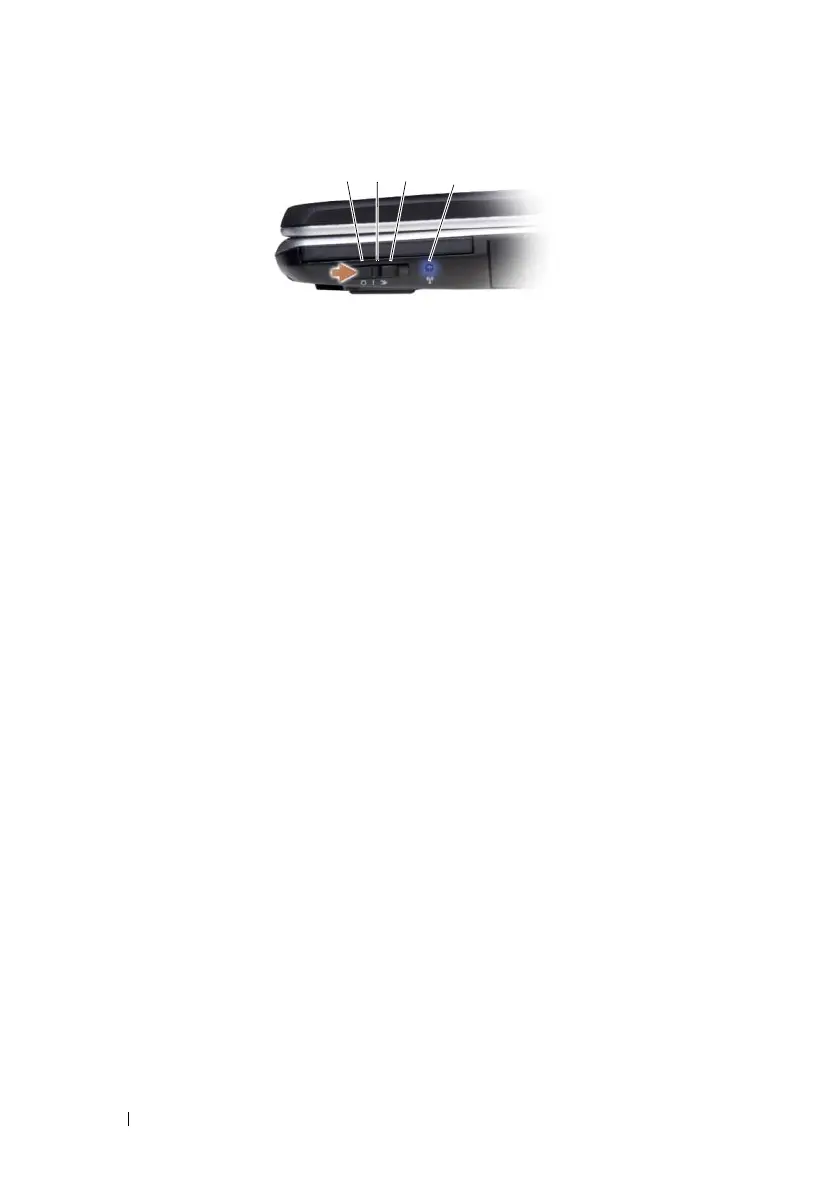
1 off Disables wireless devices
2 on Enables wireless devices
3 momentary Scans for WLAN networks (see "Dell Wi-Fi
Catcher™ Network Locator" on page 95).
4 Wi-Fi Catcher light
•
Flashing blue: Searching for networks
•
Solid blue: Strong network found
•
Solid yellow: Weak network found
•
Off: No signal found
1 2
3
4













 To Next Page