58 Using Multimedia
Adjusting the Picture
If an error message notifies you that the current resolution and color depth
are using too much memory and preventing media playback, adjust the
display properties:
1
Click
Start
→
Control Panel
→
Appearance and Personalization
.
2
Under
Personalization
, click
Adjust screen resolution
.
3
On
Display Settings
, click and drag the bar to reduce the resolution
setting.
4
In the drop-down menu under
Color quality
, click
Medium (16 bit)
.
5
Click
OK
.
Using Dell MediaDirect™
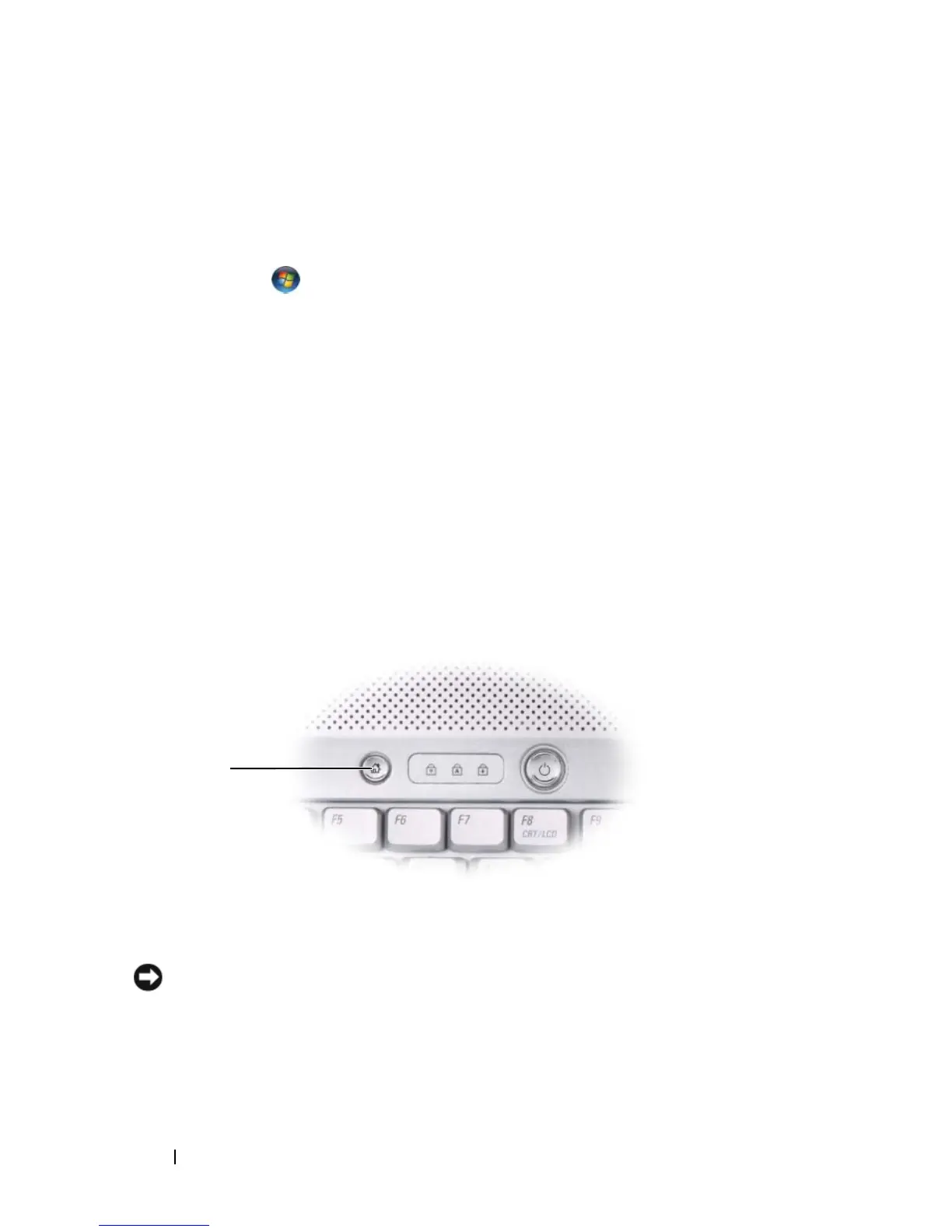
Dell MediaDirect is an instant-on multimedia playback mode for digital
media. Press the Dell MediaDirect button, located on the hinge cover, to
launch Dell MediaDirect. When your computer is turned off or in Sleep
state, you can press the Dell MediaDirect button to start the computer and
automatically launch the Dell MediaDirect application.
1 Dell MediaDirect button
1













 To Next Page