150 Adding and Replacing Parts
FILE LOCATION: C:\Projects\Spears\SpearsHTML\parts.fm
DELL CONFIDENTIAL – PRELIMINARY 7/18/07 - FOR PROOF ONLY
4
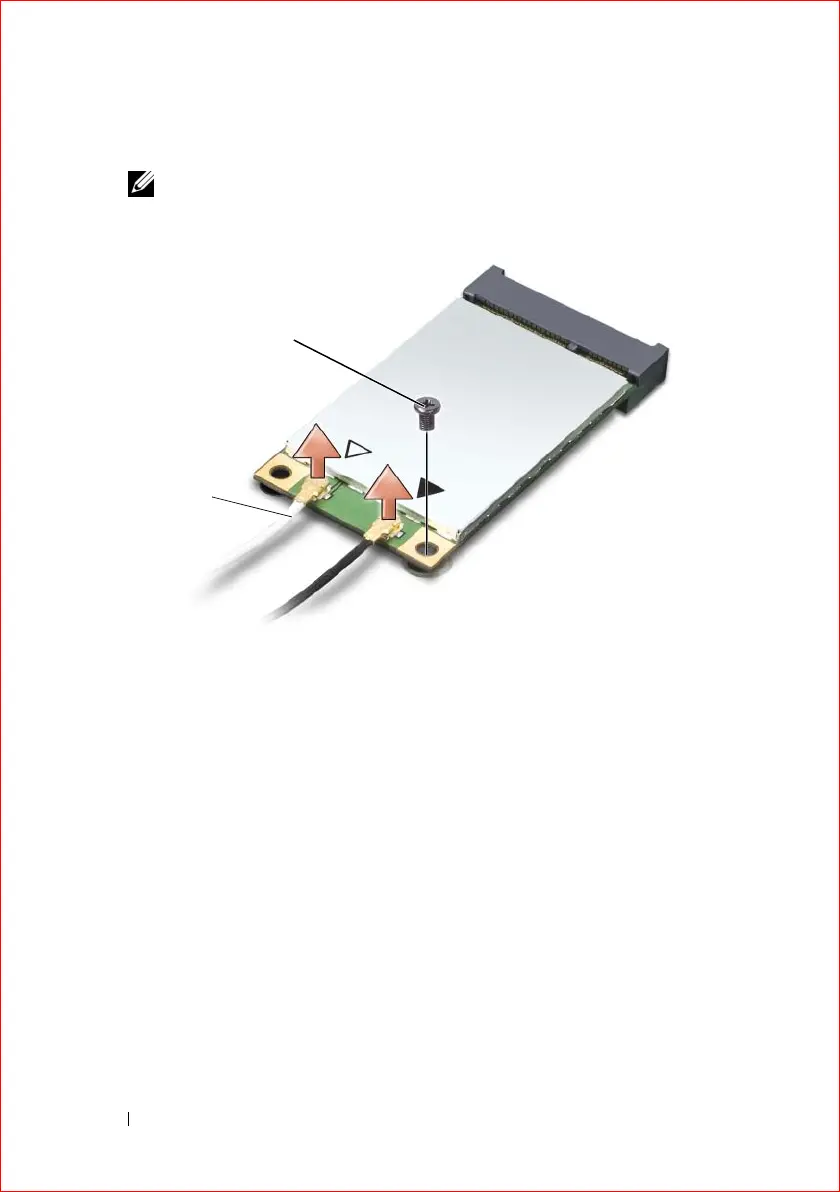
Disconnect the antenna cables from the
Mini-
card.
NOTE: The Mini-card may have two or three connectors, depending on the
type of card you ordered.
5
Release the
Mini-
card by removing the securing screw.
6
Lift the
card
out of its system board connector.
1 antenna cable connectors 2 securing screw
1
2













 To Next Page