37
Operating the monitor
Operating the monitor
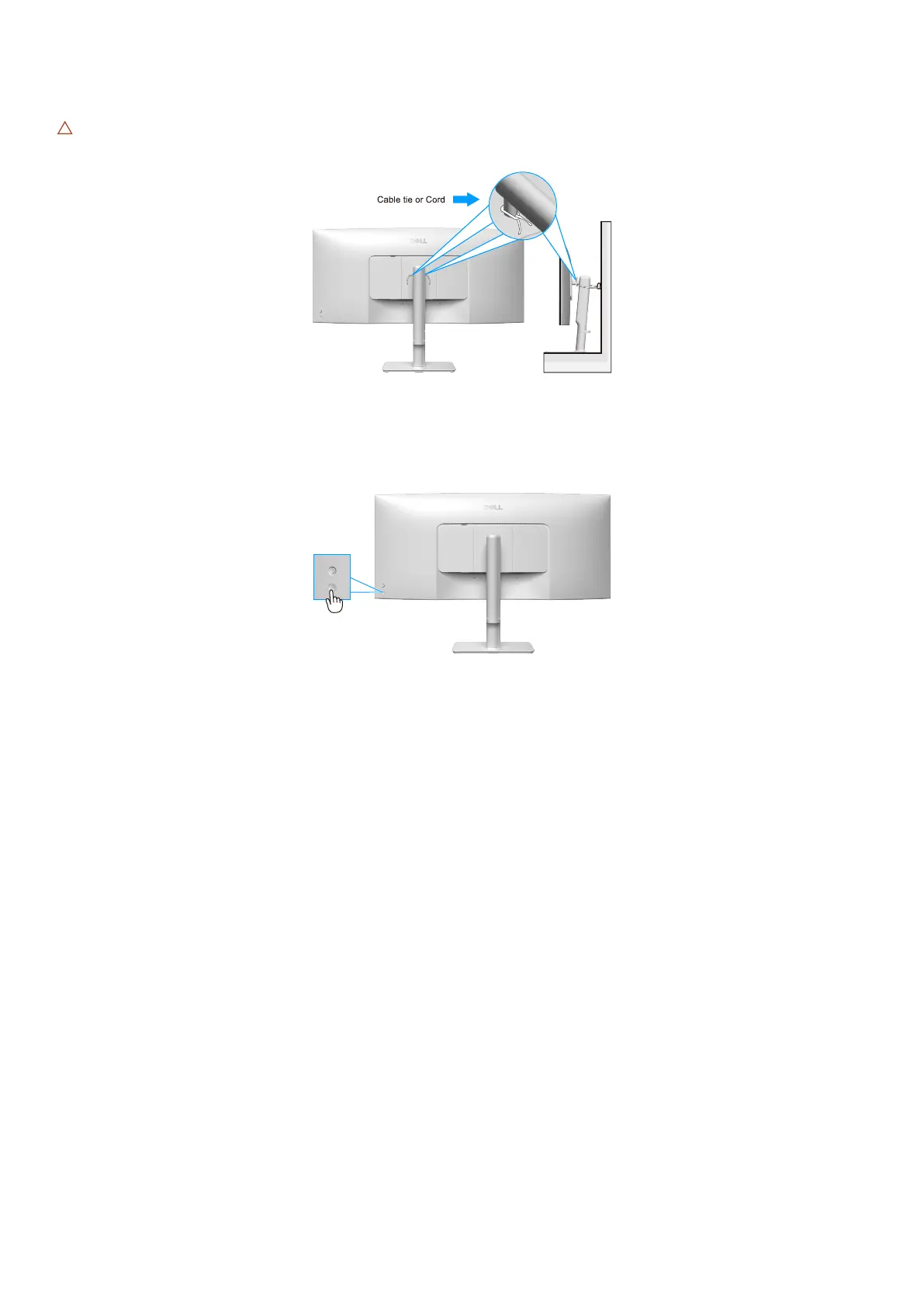
CAUTION: Before using the monitor, it is recommended to fasten the stand riser to a wall using cable tie or a cord that can
support the weight of the monitor in order to prevent the monitor from falling.
Figure 29. Fasten the monitor
Turn on the monitor
Press the power button to turn on the monitor.
Figure 30. Turn on the monitor



 To Next Page