39
Operating the monitor
Using the On-Screen Display (OSD) menu
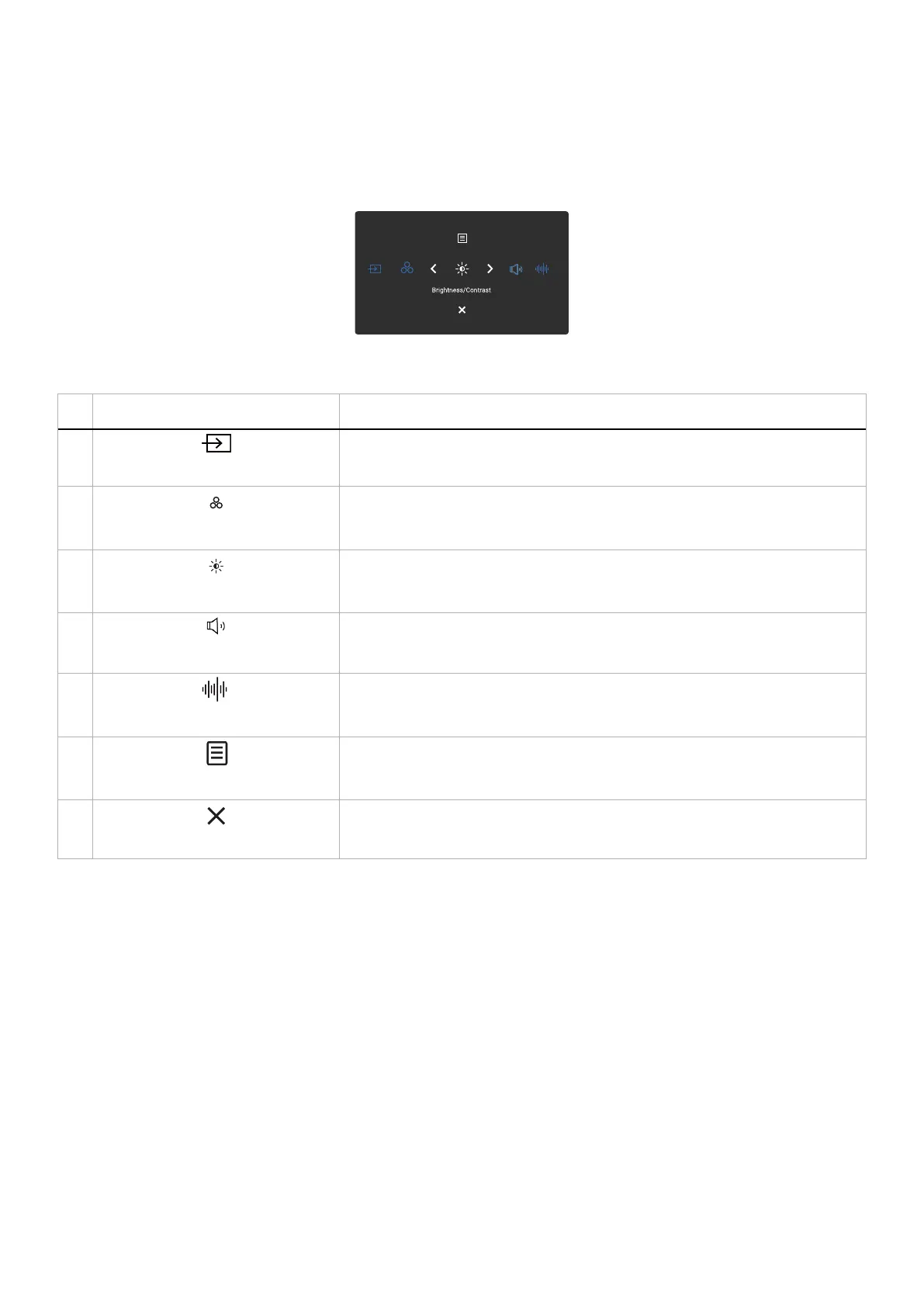
Accessing the Menu Launcher
When you press the joystick, the Menu Launcher appears to let you access the OSD main menu and shortcut functions.
To select a function, move the joystick.
Figure 32. Accessing the Menu Launcher
Table 25. Describes the Menu Launcher functions:
Joystick Description
1
Shortcut key 1 / Input Source
To choose an input source from the listed video signals.
2
Shortcut key 2 / Preset Modes
To choose a preferred color mode from the list of preset modes.
3
Shortcut key 3 / Brightness/Contrast
To access the adjustment sliders of brightness and contrast.
4
Shortcut key 4 / Volume
To access the adjustment slider of Volume.
5
Shortcut key 5 / Audio Profiles
To choose a preferred audio mode from the list of audio profiles.
6
Menu
To launch the On-Screen Display (OSD) main menu. See Accessing the menu
system.
7
Exit
To exit the Menu Launcher.



 To Next Page